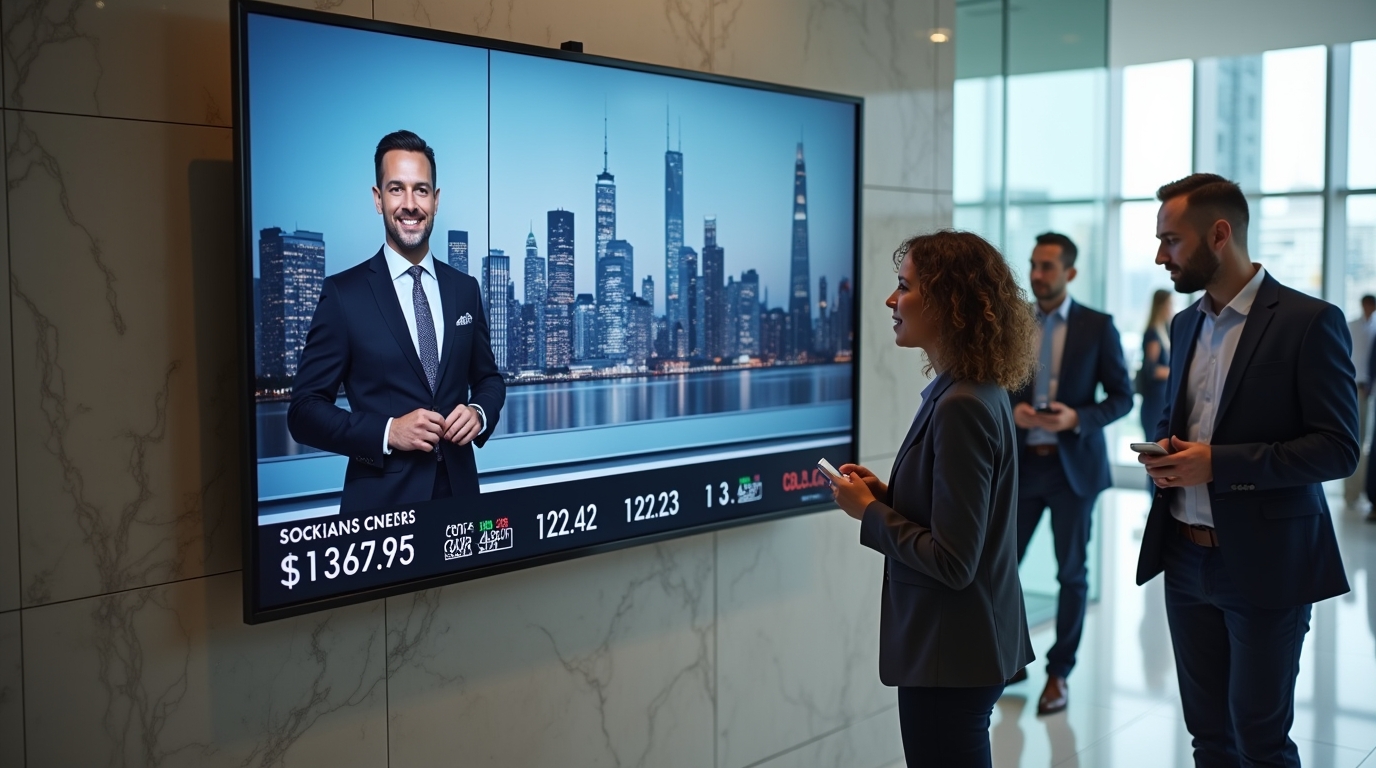
Organizations looking to display business news on office screens are increasingly turning to digital signage platforms instead of traditional TV setups. By combining live news feeds with internal dashboards, companies can create always-on information hubs that keep teams aligned with both market developments and business performance.
What It Means to Display Business News on Office Screens
Displaying business news in the workplace involves streaming live or curated financial and economic updates onto shared screens such as TVs, dashboards, or web-based displays.
This can include:
- Live news channels like financial networks
- Market updates and stock tickers
- Industry-specific headlines
- Global economic developments
Traditionally, companies relied on cable or satellite feeds. Today, digital signage systems allow organizations to integrate news alongside internal data sources in a single interface.
Why Business News Visibility Matters for Organizations
Making business news visible across the workplace is not just about information access. It directly impacts decision-making, awareness, and operational alignment.
When teams can see external developments in real time, they gain context for internal performance metrics.
Key benefits include:
- Faster decision-making: Teams can react quickly to market changes
- Shared awareness: Everyone sees the same information simultaneously
- Reduced communication gaps: Less reliance on emails or updates
- Improved workplace engagement: Screens become informative, not decorative
As noted in the uploaded reference, corporate teams benefit from turning passive spaces like lobbies and break rooms into active information hubs.
Core Methods to Display Business News on Office Screens
1. Traditional TV Broadcasting
This approach involves using cable, satellite, or IPTV connections routed directly to screens.
Typical setup includes:
- Set-top boxes connected via HDMI
- Individual feeds per screen or distributed via HDMI matrix
While simple to implement, this method has limitations:
- No centralized control
- No ability to mix content
- Limited customization
2. Web-Based News Streaming
Modern digital signage platforms allow businesses to stream live websites or embedded players directly onto screens.
This enables:
- Displaying live news websites
- Embedding video streams
- Custom layouts combining multiple content types
This approach provides more flexibility but requires proper screen management tools.
3. Integrated Digital Signage Applications
The most scalable approach is using a digital signage platform with built-in news integrations. Platforms like RocketScreens allow organizations to:
- Stream live business news feeds
- Add dashboards and KPIs alongside news
- Control all screens from a centralized interface
According to the provided material, this centralized model offers the highest flexibility and scalability for modern enterprises.
How Digital Signage Transforms Business News Delivery
Digital signage changes how organizations consume and act on information. Instead of isolated tools and tabs, content becomes ambient and shared.
Key capabilities include:
- Centralized screen management: Control all displays across locations
- Real-time updates: Automatically refresh news and dashboards
- Content scheduling: Show news during market hours and switch content after hours
- Multi-source integration: Combine external news with internal systems
This creates a unified communication layer across the organization.
Typical Business News Channel Setup
A common implementation involves creating a “channel” or playlist of content.
This might include:
- Live business news feed
- Sales dashboards from CRM systems
- Operational KPIs from BI tools
- Company announcements or documents
- Calendar events and schedules
The uploaded content highlights how organizations mix news with internal data to provide context-driven visibility.
Each screen then displays this channel automatically, updating in real time.
Industry Use Cases
Finance and Trading Floors
Financial teams rely heavily on real-time information.
Typical setup:
- Split screens showing dashboards and live news
- Market updates alongside portfolio performance
Corporate Offices
General business environments use news to provide context for operations.
- KPIs displayed next to economic headlines
- Executive visibility into both internal and external metrics
Executive War Rooms
Leadership teams benefit from consolidated views.
- Rotating content including news, metrics, and project updates
- Centralized screens for strategic discussions
Reception and Lobby Areas
External-facing areas use news to enhance perception.
- Professional display of live updates
- Branded content combined with headlines
Implementation Steps
To successfully deploy business news on office screens, organizations should follow a structured approach.
Step 1: Define Objectives
Identify what you want to achieve:
- Improve awareness?
- Support decision-making?
- Enhance workplace communication?
Step 2: Choose the Right Platform
Select a digital signage solution that supports:
- News integrations
- Dashboard embedding
- Centralized management
Step 3: Design Content Layouts
Plan how screens will display information:
- Full-screen news
- Split layouts (news + dashboards)
- Rotating playlists
Step 4: Integrate Data Sources
Connect internal systems such as:
- CRM platforms
- BI dashboards
- Document systems
Step 5: Deploy Across Locations
Roll out screens across:
- Offices
- Remote locations
- Desktop and web players
Step 6: Monitor and Optimize
Continuously evaluate:
- Content relevance
- Screen engagement
- Operational impact
Common Challenges
Despite the benefits, organizations often face challenges when implementing business news displays.
Content Overload
Too much information can reduce effectiveness.
Solution:
- Prioritize key data
- Use structured layouts
Lack of Central Control
Managing multiple screens manually becomes inefficient.
Solution: Adopt centralized screen management systems
Inconsistent Content
Different screens showing different information can create confusion.
Solution: Standardize channels and playlists
Technical Complexity
Integrating multiple systems can be challenging.
Solution: Use platforms with pre-built integrations
Best Practices
To maximize impact, organizations should follow these best practices:
- Combine external news with internal KPIs
- Keep layouts clean and readable
- Schedule content based on business hours
- Use consistent branding across screens
- Ensure real-time data accuracy
The reference material emphasizes the importance of pairing news with dashboards to provide actionable context rather than isolated information.
Mistakes to Avoid
Common mistakes can reduce the effectiveness of office screen deployments.
- Showing only news without internal context
- Overloading screens with too many widgets
- Ignoring content scheduling
- Using static content that becomes outdated
- Lack of governance over screen content
A balanced and structured approach is critical for success.
Frequently Asked Questions
How can I display live business news on office TVs?
You can use cable/IPTV for basic setups or digital signage platforms to stream news alongside dashboards and other content.
What is the best way to manage multiple office screens?
A centralized digital signage system allows you to control all screens, update content remotely, and maintain consistency across locations.
Can I combine business news with internal data?
Yes. Modern platforms allow you to display news alongside KPIs, dashboards, and announcements in a single layout.
Is digital signage better than traditional TV for offices?
Digital signage offers greater flexibility, control, and integration capabilities compared to traditional TV setups.
What content should be shown with business news?
Combine news with sales metrics, operational dashboards, company updates, and calendars to provide complete context. Choosing to display business news on office screens is not just a technology decision. It is a shift toward more transparent, data-driven workplaces.
By combining live news with internal metrics, organisations create environments where information is visible, shared, and actionable. If you are planning to modernise your workplace screens, consider how a centralised digital signage platform can support your goals across multiple locations.
Explore how RocketScreens can help you unify business news, dashboards, and internal communications into a single, scalable screen strategy. Book a demo to see how it fits into your existing systems and workflows.