Digital signage in healthcare is becoming a core communication layer across hospitals, clinics, and medical facilities. From guiding patients through complex buildings to delivering real-time updates and operational alerts, these networked screens reduce confusion, improve efficiency, and create a more structured care environment. For healthcare leaders, the focus is no longer whether to adopt digital signage, but how to implement it in a way that supports both patient experience and operational performance.
What Is Digital Signage in Healthcare?
Digital signage in healthcare refers to centrally managed display networks used to deliver dynamic, real-time information across medical environments. These screens replace static posters and manual communication methods with programmable, location-specific content.
Typical deployments include:
- Wayfinding screens in lobbies and corridors
- Queue management displays in waiting areas
- Educational content in patient rooms
- Operational dashboards in staff zones
- Emergency alert systems across facilities
The key difference from traditional communication is control. Content can be updated instantly across one location or scaled across multiple hospitals using a centralized system.
Why Digital Signage Matters for Healthcare Organizations
Healthcare environments are complex, fast-moving, and information-heavy. Patients often arrive stressed or unfamiliar with the facility, while staff operate under time-sensitive conditions.
Digital signage addresses these challenges by improving clarity and consistency in communication.
- Reduces missed appointments due to navigation issues
- Improves patient satisfaction through transparency
- Supports compliance by standardizing messaging
- Minimizes dependency on front-desk staff for directions
- Enhances the overall perception of care quality
For multi-location healthcare networks, consistent communication becomes even more critical. A centralized signage platform ensures that messaging is aligned across all facilities.
Improving Patient Experience with Digital Signage
Patient experience is directly influenced by how easily individuals can navigate the facility, understand processes, and manage wait times.
Wayfinding and Navigation
Hospitals are often large and difficult to navigate. Digital wayfinding screens and interactive kiosks help patients locate departments quickly.
- Interactive maps reduce reliance on staff directions
- Department-specific directions minimize delays
- Multilingual support improves accessibility
Queue Management and Wait Time Visibility
Perceived wait time often matters more than actual wait time. Displaying queue status and expected delays creates transparency.
- Patients feel informed rather than ignored
- Reduced frustration in crowded waiting areas
- Better flow management across departments
Educational and Informational Content
Waiting time can be used productively by sharing relevant health information.
- Preventive care tips tailored to departments
- Procedure explainers to reduce anxiety
- Public health announcements and campaigns
This approach not only improves engagement but also contributes to better health literacy.
Enhancing Staff Communication and Alignment
Healthcare relies heavily on coordinated teams, many of whom are not desk-based. Traditional communication methods often fail to reach everyone effectively.
Real-Time Internal Updates
Digital screens in staff-only areas ensure critical updates are visible.
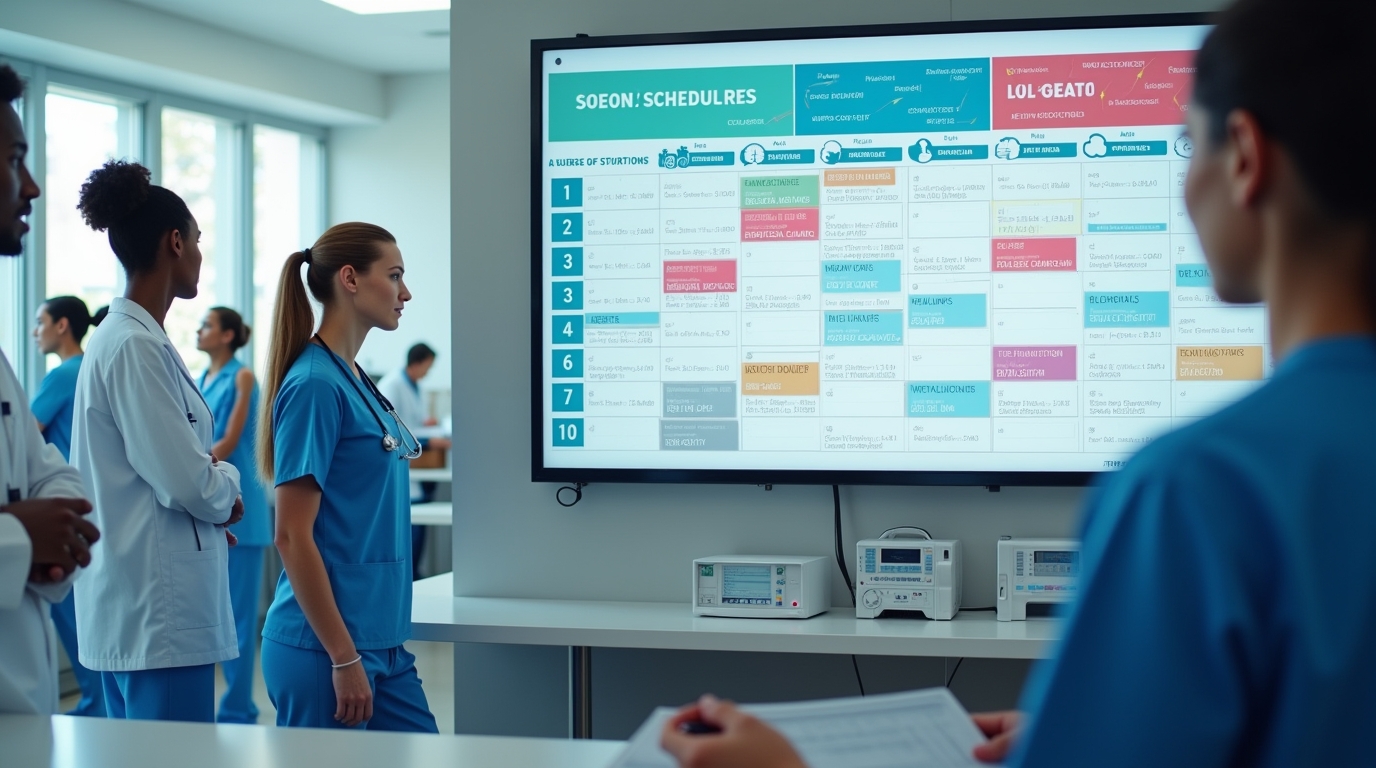
- Shift schedules and changes
- Policy updates and compliance reminders
- Training announcements
- Operational alerts
Performance Dashboards
Displaying real-time metrics improves awareness and accountability.
- Bed occupancy rates
- Emergency room wait times
- Operating room utilization
- Patient throughput
When integrated with existing systems, these dashboards provide actionable insights without requiring manual reporting.
Employee Engagement
Recognition and internal storytelling play a role in staff morale.
- Employee achievements and milestones
- Patient success stories
- Internal news and announcements
This helps create a more connected and informed workforce.
Operational and Safety Impact
Beyond communication, digital signage directly influences operational efficiency and safety preparedness.
Emergency Communication
In critical situations, speed and clarity are essential. Digital signage systems can override all content to display emergency alerts.
- Evacuation instructions
- Code alerts
- Safety protocols
This ensures consistent messaging across the entire facility during emergencies.
Workflow Optimization
Integration with scheduling and queue systems allows better patient flow management.
- Reduced bottlenecks in high-traffic areas
- Improved coordination between departments
- Better allocation of staff resources
Cost Reduction and Sustainability
Replacing printed materials with digital displays reduces ongoing costs.
- Lower printing and distribution expenses
- Reduced paper waste
- Faster content updates without reprinting
This also supports sustainability initiatives within healthcare organizations.
High-Impact Use Cases Across Healthcare Facilities
Entrances and Lobbies
First impressions matter. Lobby screens set expectations for the visit.
- Welcome messages
- Department directories
- Announcements and campaigns
Waiting Rooms
Waiting areas are ideal for combining operational and educational content.
- Queue updates
- Health awareness videos
- Service promotions
Pharmacies, Labs, and OPD Areas
These zones require precise and timely communication.
- Token numbers and appointment status
- Medication instructions
- Test preparation guidelines
Staff-Only Areas
Internal communication hubs improve operational visibility.
- KPI dashboards
- Policy updates
- Shift coordination
How to Implement Digital Signage in Healthcare
Successful implementation requires alignment between IT, operations, and clinical teams.
1. Define Objectives
Start by identifying key goals.
- Reduce patient confusion
- Improve wait time transparency
- Enhance internal communication
2. Identify Screen Locations
Placement determines effectiveness.
- High-traffic areas for visibility
- Decision points for wayfinding
- Private zones for staff content
3. Choose a Centralized Platform
A cloud-based system allows remote control and scalability.
- Manage multiple locations from one dashboard
- Schedule and automate content updates
- Ensure consistent messaging across facilities
Platforms like Rocketscreens support secure cloud-based architecture, centralized screen management, and real-time dashboards, making it easier to scale across hospital networks.
4. Integrate with Existing Systems
Integration unlocks real value.
- Queue management systems
- Electronic health records (EHR)
- Scheduling software
With 100+ integrations available, organizations can connect data sources to deliver live, relevant content.
5. Develop a Content Strategy
Content should be clear, relevant, and location-specific.
- Short, easy-to-read messages
- Visual-first layouts
- Localized content by department
Best Practices for Healthcare Digital Signage
- Keep messages concise and easy to scan
- Use large fonts and high contrast for readability
- Prioritize critical information over promotional content
- Update content regularly to maintain relevance
- Ensure multilingual and accessible formats
Common Challenges and How to Overcome Them
Content Overload
Too much information reduces effectiveness.
Solution: Focus on essential messages and rotate content strategically.
System Fragmentation
Multiple disconnected tools create inefficiencies.
Solution: Use a unified platform with centralized control.
Lack of Ownership
Without clear responsibility, content becomes outdated.
Solution: Assign content ownership to specific teams.
Integration Complexity
Connecting systems can be technically challenging.
Solution: Choose platforms designed for enterprise integration and scalability.
Mistakes to Avoid
- Treating signage as a one-time setup rather than an ongoing system
- Using generic content instead of location-specific messaging
- Ignoring accessibility requirements
- Failing to measure performance and engagement
- Overlooking staff communication needs
Frequently Asked Questions
What is digital signage in healthcare used for?
It is used for wayfinding, patient communication, queue management, staff updates, and emergency alerts across hospitals and clinics.
Does digital signage improve patient satisfaction?
Yes. Clear directions, transparent wait times, and informative content reduce stress and improve overall experience.
Is digital signage difficult to manage across multiple locations?
Not with a centralized platform. Cloud-based systems allow remote management of all screens from a single interface.
Can digital signage integrate with hospital systems?
Yes. Modern platforms support integration with scheduling, queue management, and other operational systems.
What content works best on healthcare screens?
Wayfinding information, queue updates, health education, and real-time alerts are the most effective content types.
Digital signage in healthcare is no longer limited to display screens. It is a communication infrastructure that supports patient experience, staff coordination, and operational efficiency.
If you are evaluating how to implement or scale digital signage across your healthcare facilities, consider a platform built for enterprise environments. Rocketscreens offers centralized control, secure cloud deployment, and multi-location scalability designed for complex healthcare operations.
Book a demo or speak with our team to explore how your organization can improve communication, reduce friction, and deliver a more structured patient experience.