Intro to Jira Dashboards
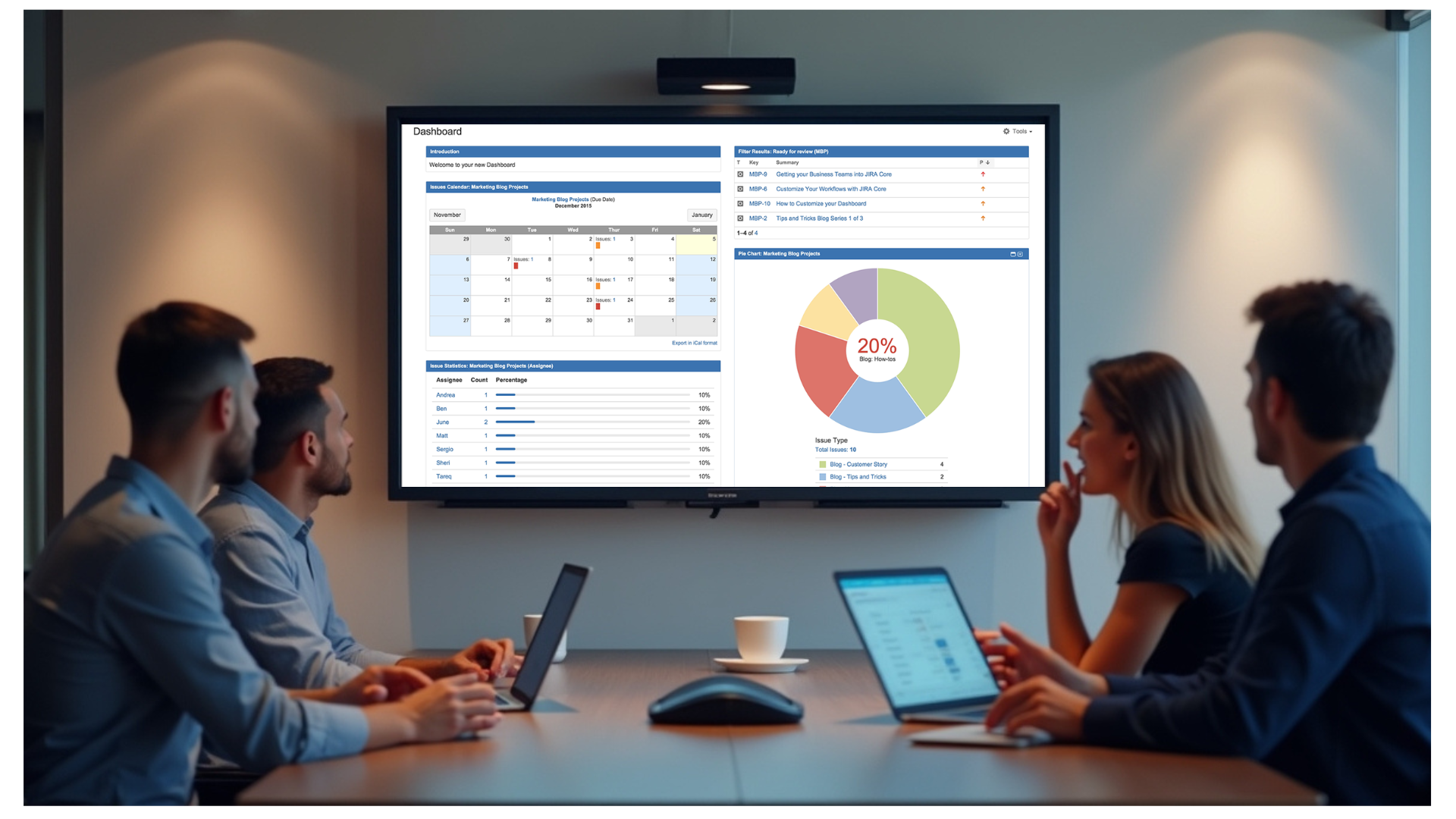
Jira dashboards provide a centralized view of your team’s work, offering real-time insights into tasks, issues, sprint progress, and overall project performance. With customizable widgets like burndown charts, issue statistics, and activity streams, Jira dashboards help teams stay aligned, identify bottlenecks, and make faster decisions.
It helps software development teams plan, track, and release projects efficiently, offering agile boards, customizable workflows, and detailed reporting features. Jira provides full visibility into project timelines, tasks, and bottlenecks, making it a must-have for agile teams aiming for transparency and collaboration.
Integration Features
- Dashboard-based visualization: Show live Jira dashboards, sprint boards, and burndown charts so everyone stays informed on project progress.
- Centralized Management: Configure, deploy, and manage displays from RocketScreens CMS.
- Playlist Compatibility: Add Jira dashboard content to playlists alongside other apps and media assets.
- Scheduling Support: Control when dashboards appear on specific screens or in specific environments.
- Multi-screen Publishing: Distribute dashboard views across one or many players from a single configuration workflow.
- Secure Connectivity: Connect your Jira account securely with RocketScreens to display authorized dashboard content in a managed signage environment.