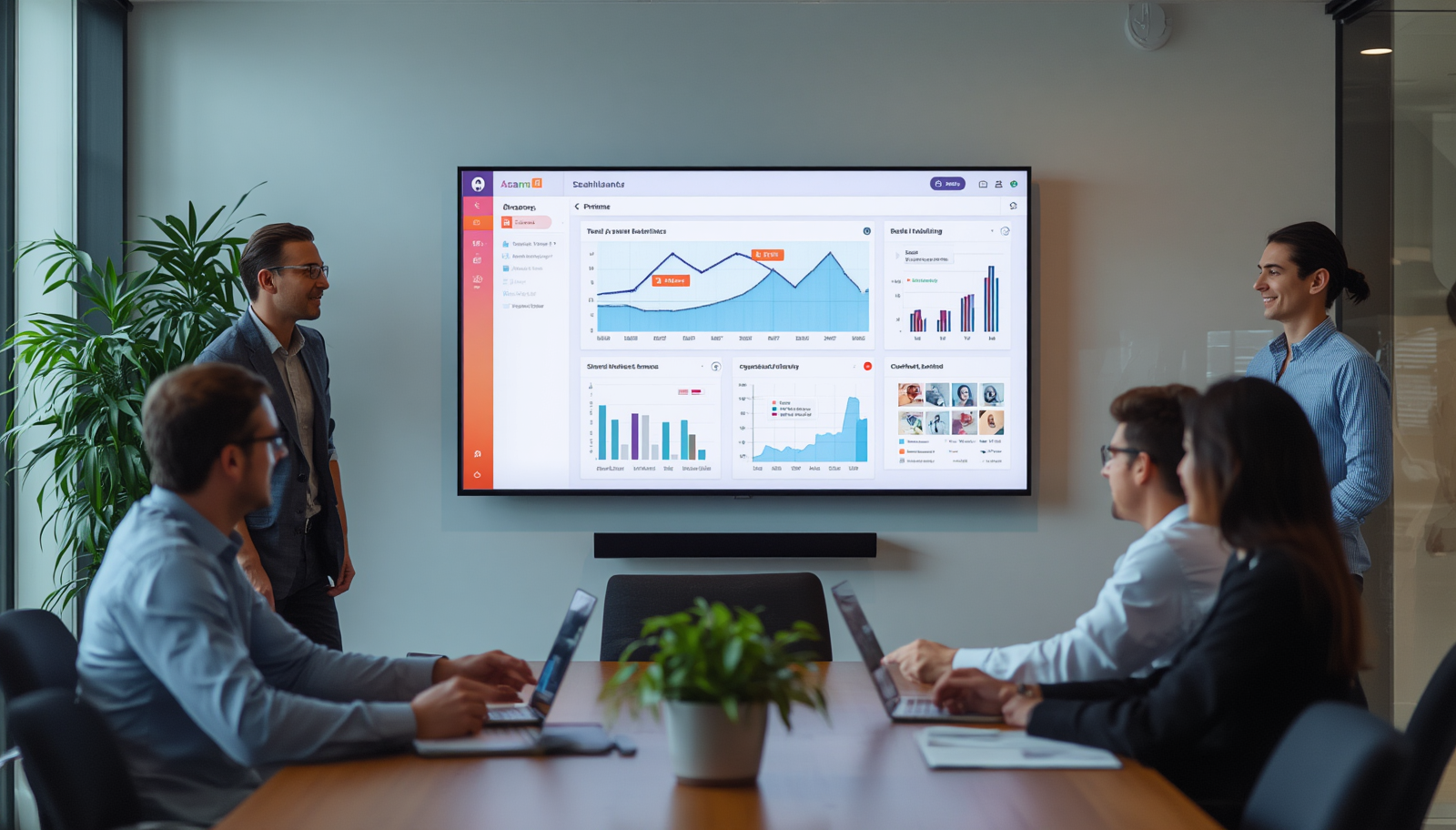
An Asana dashboard on TV screen setups gives tech teams a shared view of project status without anyone needing to open the app. Task lists, deadlines, and workload data move from individual browser tabs to a screen the whole team can see. That shift changes how a team notices problems and how fast it responds to them.
What an Asana TV Dashboard Actually Shows
Most Asana dashboards on office screens are built around a handful of live data points rather than the full Asana interface. Common elements include:
- Task completion rates by project or team
- Overdue tasks and approaching deadlines
- Project milestones and release timelines
- Team workload and throughput
- Blocked items that need attention
Asana's own dashboard tools are built for tracking progress and team performance inside the app. Putting that same data on a wall-mounted screen extends it beyond the browser and into the physical workspace.
Why Visibility Matters for Tech Teams
Software teams operate on dependencies. One delayed task can hold up a release, a QA cycle, or a client deliverable. When project data lives only inside a tool people have to open on purpose, small delays often go unnoticed until they become bigger problems.
A screen in a standup room or common area removes that friction. Nobody has to log in or ask for a status update. The information is already there, updating on its own throughout the day.
This matters most in fast-moving environments where handoffs happen constantly between engineering, product, and operations. A shared display reduces the time spent chasing status and puts ownership in plain view.
Business and Operational Impact
Teams that adopt a live project dashboard on TV screens generally see a few consistent operational effects:
- Shorter standups, since status is already visible before the meeting starts
- Fewer status-check messages sent to project leads
- Faster response to blockers, since they are visible as soon as they appear
- Clearer accountability, since task ownership is displayed alongside deadlines
None of these outcomes depend on adding new process. The value comes from making existing Asana data easier to see, not from changing how the team works inside Asana itself.
Common Use Cases
Tech companies typically use Asana TV dashboards for a specific set of recurring needs:
- Daily standup visibility across engineering pods
- Sprint or release tracking during active development cycles
- Cross-functional project status for teams working across departments
- Deadline and blocker monitoring for time-sensitive launches
- Team performance snapshots for leadership check-ins
Each use case calls for a slightly different view. A sprint tracking screen in an engineering room does not need the same data as a leadership dashboard summarizing throughput across multiple teams.
How to Set Up an Asana Dashboard on a TV Screen
Implementation typically follows a few consistent steps:
- Identify which projects and metrics matter most for the room where the screen will live
- Connect Asana as a data source through a digital signage platform with a native Asana integration
- Select or build a dashboard view suited to distance viewing, since a screen on a wall is read from farther away than a laptop
- Set a refresh interval so data updates automatically without manual intervention
- Assign the dashboard to the correct screen if the company manages multiple locations or rooms
RocketScreens supports this workflow through a secure cloud-based platform with Asana as one of its integrations. Dashboards can be built for specific teams or priorities, then pushed to individual screens through centralized screen management. For companies running dashboards across multiple offices, that centralized control matters more as the number of screens grows.
Common Challenges
A few issues come up repeatedly when teams first set up Asana dashboards on TV screens:
- Overloaded screens that try to show too many metrics at once, making the display hard to read from a distance
- Dashboards that mirror the full Asana interface instead of a simplified, screen-optimized view
- Static screens that are not refreshed automatically, so the data becomes outdated
- No clear owner for the dashboard content, leading to stale or irrelevant projects staying on screen
- Screens placed where the target audience does not naturally pass by, reducing their actual visibility
Best Practices
Dashboards that work well over time tend to follow a similar pattern:
- Limit each screen to the few metrics that actually drive a decision or action
- Design for distance, using large text and simple layouts rather than dense tables
- Match the dashboard content to the room, so an engineering pod sees sprint data while a leadership area sees throughput
- Set a consistent refresh schedule so the data stays current without manual updates
- Review the dashboard periodically to remove completed projects and outdated views
Mistakes to Avoid
A few habits tend to undermine the value of a TV dashboard:
- Treating the screen as a one-time setup instead of something that needs occasional review
- Displaying every available metric instead of the ones tied to real decisions
- Placing the screen somewhere with low foot traffic
- Skipping a refresh schedule, which leaves the team looking at old data without realizing it
Frequently Asked Questions
Can Asana data be displayed on a TV without opening the Asana app manually?
Yes. Digital signage platforms with a native Asana integration connect directly to the account and refresh the display automatically, so no one needs to log in or manually update the screen.
What size or type of screen works best for an Asana dashboard?
Most tech teams use standard wall-mounted TVs in standup rooms, engineering areas, or common spaces. The dashboard layout matters more than the screen size, since text and charts need to be readable from a normal viewing distance in that room.
Can different teams see different Asana projects on separate screens?
Yes. A centralized screen management platform allows different dashboard views to be assigned to different screens, so an engineering room and a leadership area can each display the data relevant to them.
Does this work for companies with multiple office locations?
Yes. Multi-location scalability is one of the more common reasons companies move to a dedicated digital signage platform, since it allows the same dashboard framework to be deployed consistently across every office.
Is a full Asana dashboard suitable for a TV screen, or does it need to be simplified?
It generally needs to be simplified. The full Asana interface is built for close-up, interactive use. A TV dashboard works better as a focused view built around the specific metrics a team needs to see at a glance.
See It in Action
Tech companies that move Asana data onto TV screens are not adding a new tool to the workflow. They are making the data that already exists in Asana visible to the people who need it, without requiring anyone to check another app.
If your team is evaluating how to display Asana on a screen, RocketScreens offers a secure, cloud-based platform with over 100 integrations, centralized screen management, and support for multi-location deployments. Book a demo or explore the platform to see how an Asana dashboard would look on your own team's screens.