A missed deadline rarely happens because teams didn’t know the date. It usually happens because the date wasn’t visible enough. A day counter app for office TV turns an abstract deadline into something the entire team sees every day. When a countdown is displayed on a shared screen in the office, it creates a constant, passive reminder that shapes how people prioritize work, raise risks, and coordinate progress.
Many organizations already track deadlines in project tools, spreadsheets, and calendars. The problem is visibility. Those tools require people to open them. Office TVs and wall displays solve that gap by making timing and progress visible in the physical workspace. A simple countdown displayed alongside live dashboards creates a shared reference point that keeps teams aligned without additional meetings or reminders.
Deadlines Are Often Hidden Inside Tools
Most teams manage timelines using platforms like project management tools, CRMs, and shared spreadsheets. While those systems store the information correctly, they don’t necessarily keep the information visible.
Typical scenarios include:
- Launch dates buried inside project boards
- Quarter-end targets sitting inside CRM dashboards
- Event timelines stored in calendars
- Compliance deadlines tracked in spreadsheets
People tend to look at those systems only when they are already working on a specific task. That means deadlines are often reviewed during scheduled meetings rather than throughout the workday.
When the countdown appears on a shared screen in the office, the date becomes part of the daily environment. Teams see the remaining days every time they walk past the screen.
Why Visible Countdowns Change Team Behavior
A countdown affects behavior because it converts time into a visible metric. When everyone sees the same number decreasing each day, the deadline stops being an abstract date and becomes a shared reference point.
This simple shift changes how teams operate in several ways:
- Conversations about risk happen earlier
- Priorities become clearer without additional management oversight
- Teams raise blockers sooner
- People naturally align their daily work with the visible timeline
Instead of asking “When is the deadline?” teams see “18 days remaining” every day. That constant visibility reduces last-minute pressure because people adjust earlier.
The effect becomes stronger when countdowns are paired with progress indicators such as revenue, project completion, or ticket resolution metrics.
The Difference Between Knowing and Seeing a Deadline
Most employees technically know the deadlines they are working toward. However, knowing a date and seeing it constantly are very different experiences.
Consider a product launch scheduled in two months.
If the date lives inside a project management tool, only the project manager and a few contributors may check it daily. Marketing, operations, or support teams may only notice it during weekly planning meetings.
When the same launch appears on a large office screen as a countdown, every team member calibrates their expectations around the same timeline.
This creates alignment across departments:
- Engineering sees how many days remain before release
- Marketing times campaign preparation
- Support prepares documentation and training
- Leadership monitors readiness
The countdown acts as a shared clock that synchronizes decision-making.
What Makes a Countdown Effective on Office Screens
A simple countdown is powerful, but clarity matters. Teams should design the display so that anyone walking past the screen understands the context immediately.
Effective countdown displays usually include:
- The event or milestone name
- The target date
- The number of days remaining
- A short description of the objective
For example:
- “Product Release v3.0 – 21 Days Remaining”
- “Q4 Revenue Target – 12 Days Left”
- “Customer Portal Launch – 35 Days to Go”
To increase usefulness, organizations often pair the countdown with one or two supporting metrics such as:
- Revenue progress toward target
- Completed vs remaining project tasks
- Tickets resolved vs backlog
- Campaign readiness metrics
This combination turns the display into a practical dashboard rather than a decorative screen.
Why Office TV Dashboards Work Better Than Individual Dashboards
Business dashboards are valuable, but they depend on people opening them regularly. Many employees only check dashboards when preparing reports or attending meetings.
Shared office screens create an always-visible information layer that does not require interaction.
Key advantages include:
- No login or navigation required
- Passive visibility for everyone in the workspace
- Immediate understanding of priorities
- Reduced need for repeated status updates
Office TV dashboards also encourage transparency. When metrics and deadlines are visible across the team, progress discussions become easier and more objective.
How RocketScreens Displays Day Counters and Dashboards
Organizations often struggle to display business data on office TVs because traditional dashboards are not designed for large-screen environments.
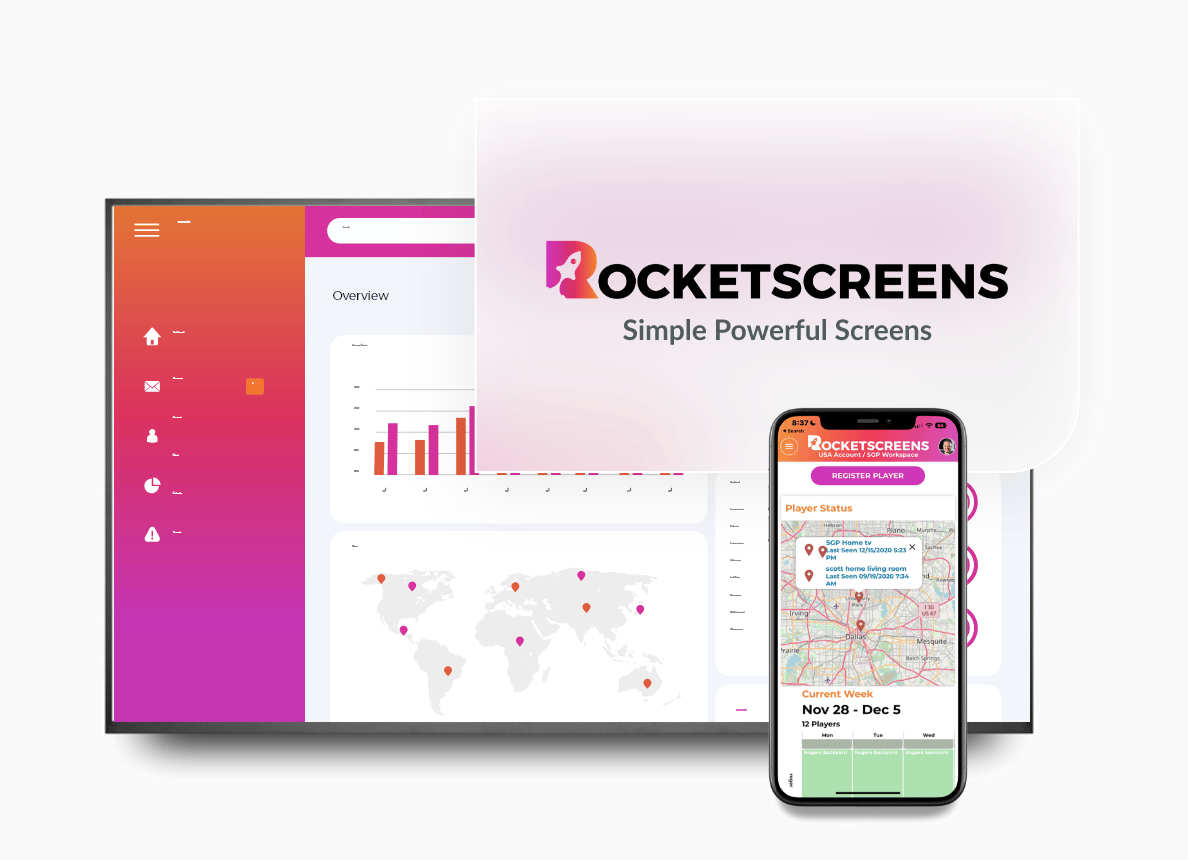
RocketScreens solves this by turning business tools into shareable TV dashboards. The platform connects to over 100 business applications including CRM systems, analytics platforms, spreadsheets, project tools, and calendars.
Through a secure cloud-based architecture, RocketScreens allows teams to display live information across office screens without building custom digital signage systems.
The RocketScreens Day Counter allows organizations to display a live countdown to any event or deadline. This counter can be shown on its own or alongside dashboards and other operational information.
Examples of information that can appear on the same screen include:
- Sales dashboards from CRM platforms
- Business intelligence reports
- Project boards and sprint progress
- Operational metrics from spreadsheets
- Upcoming events from shared calendars
The result is a combined visibility layer where timing and performance metrics appear together.
Implementation: Setting Up a Day Counter on Office TVs
Deploying a countdown across office screens should not require complex infrastructure. With RocketScreens, the setup process typically follows a straightforward workflow.
Step 1: Connect data sources
Teams connect their existing systems such as CRM platforms, analytics dashboards, project tools, spreadsheets, and calendars.
Step 2: Create a display channel
A channel is a sequence of screens that rotate on office TVs. Teams can combine:
- The Day Counter slide
- KPI dashboards
- Project boards
- Operational reports
Step 3: Assign screens
The channel is then assigned to specific TVs or display groups across offices, departments, or facilities.
Step 4: Manage centrally
Content updates are handled from a centralized dashboard, making it possible to manage multiple office locations without manual updates.
Common Use Cases for Day Counters in Organizations
Countdowns can support many operational scenarios beyond product launches.
Product Development
Engineering teams often display sprint deadlines or release dates alongside project metrics such as story points completed or remaining defects.
Sales and Revenue Targets
Sales organizations use countdowns to highlight the remaining days in a quarter while displaying live revenue performance.
Marketing Campaign Launches
Marketing teams track campaign go-live dates along with performance metrics from analytics dashboards.
Operations and Compliance
Operations teams may display deadlines related to audits, reporting cycles, or internal policy rollouts.
Company Events and Internal Communication
HR and leadership teams sometimes use countdowns for onboarding programs, company meetings, or internal initiatives.
Each scenario benefits from the same principle: visible timing creates shared awareness.
Challenges Teams Face Without Visible Deadlines
When deadlines remain hidden inside software tools, several issues tend to appear.
- Teams underestimate how close a milestone is
- Risk conversations happen too late
- Departments operate on different assumptions
- Status meetings become the primary source of updates
Visible countdowns reduce these problems because the timeline is always present in the workspace.
Best Practices for Using Office Countdown Displays
Organizations get the most value from countdown displays when they keep them focused and relevant.
- Limit each countdown to one clear objective
- Pair the countdown with a small number of supporting metrics
- Update displays when priorities change
- Ensure screens are placed where teams naturally pass by
- Use consistent naming conventions for milestones
Overloading screens with too many numbers can reduce clarity. A small number of meaningful metrics tends to work best.
Mistakes to Avoid When Displaying Deadlines
Some organizations implement countdown displays but fail to achieve meaningful impact due to poor design choices.
- Showing too many unrelated deadlines
- Displaying outdated information
- Using screens in low-traffic areas
- Separating countdowns from performance metrics
For best results, countdowns should connect directly to measurable outcomes.
Business Outcomes of Visible Countdown Displays
Organizations that adopt visible countdowns often notice operational improvements.
- Earlier identification of delays or risks
- More consistent prioritization across teams
- Fewer repetitive status meetings
- Improved accountability around shared goals
When teams see both the timeline and the metrics on the same screen, discussions become more focused and data-driven.
RocketScreens supports these outcomes by combining countdown displays with real-time dashboards in a centralized platform that scales across multiple locations.
Frequently Asked Questions
How does a day counter on an office TV improve team performance?
A visible countdown keeps deadlines present in the work environment. This passive visibility encourages earlier action, clearer prioritization, and better cross-team coordination.
Can RocketScreens show countdowns and KPI dashboards together?
Yes. The RocketScreens Day Counter can be displayed alongside dashboards from connected systems such as CRM platforms, BI tools, spreadsheets, and calendars within the same channel.
Do organizations need special hardware to run a day counter on office TVs?
Most standard smart TVs or connected display devices can run RocketScreens. Once connected, the screens display centrally managed channels containing countdowns and dashboards.
How often does the countdown and dashboard data refresh?
RocketScreens automatically refreshes connected dashboards and countdowns so that screens always display the latest information without manual updates.
Can companies manage multiple countdowns across offices?
Yes. Teams can create different channels for departments or locations and assign them to specific screens through the RocketScreens management dashboard.
Make Your Next Deadline Impossible to Ignore
A deadline becomes far more effective when everyone sees it every day. A day counter displayed on office TVs transforms an ordinary date into a shared operational signal that shapes how teams prioritize work.
RocketScreens makes it simple to deploy these countdown displays alongside real-time dashboards across offices, departments, and locations.
Book a RocketScreens demo to see how a centralized screen management platform can turn your KPIs, deadlines, and operational data into visible dashboards your entire team can act on.