OptiSigns is a popular starting point for digital signage. It is easy to set up, it has a free tier, and its entry price is low. But as screen counts grow, user lists expand and data needs become more serious, many teams start evaluating OptiSigns alternatives.
This guide is written for IT Directors, Operations Managers and Marketing Leaders who need a clear, practical comparison. It covers why teams switch, which platforms are worth shortlisting, how to evaluate them and what to avoid during migration.
What Are OptiSigns Alternatives?
OptiSigns alternatives are digital signage platforms that let you manage content on TVs, kiosks and video walls from a central cloud dashboard. They cover the same core job: publishing, scheduling and monitoring content across screens.
Where they differ is in pricing structure, depth of integrations, security posture, support model and how well they handle live business data. Those differences matter far more at 50 screens than at 3.
Common categories of alternatives include:
- Data-first platforms built to display live dashboards and business metrics on TVs
- Budget-focused platforms for small businesses running a handful of screens
- Education and campus platforms with emergency alerts and screen sharing
- Developer-friendly platforms with deep APIs and custom app frameworks
- Retail and hospitality platforms centered on menus, promotions and interactivity
Why Organizations Look for OptiSigns Alternatives
OptiSigns earns strong ratings for ease of use and setup speed. Reviewers on major software review sites still raise recurring concerns, and those concerns tend to grow with deployment size.
Per-Screen Pricing That Compounds at Scale
OptiSigns published pricing in 2026 ranges from a Standard plan at $10 per screen per month to an Enterprise plan at $45 per screen per month, with roughly 10 percent off for annual billing. At 10 screens that is manageable. At 200 screens across multiple sites, every tier jump becomes a significant budget line.
Features Sold as Add-Ons
Several capabilities that growing teams often expect are priced separately. Published add-ons include video wall syncing, wireless presentation and background music, each billed per wall or per screen. Teams that do not map these needs upfront often see their real monthly cost climb well above the base rate.
User Caps and Forced Tier Upgrades
The Standard plan caps users at 25. When communications, IT, HR and regional managers all need access, that limit arrives quickly. The fix is upgrading the full account to a higher tier, which raises cost on every screen, not just for the extra users.
Enterprise Minimums
The Enterprise tier carries a 25-screen minimum. An organization with 15 screens that needs enterprise-level support still pays for 25. For mid-sized deployments, that floor is hard to justify in a budget review.
Support Tied to Plan Level
Phone support is reserved for higher tiers. For operations teams running screens on production floors or customer-facing locations, waiting on email when a display goes dark is a real operational risk.
Data Dashboards as a Secondary Feature
OptiSigns supports apps for tools like Power BI, but dashboard display is one feature among many and is gated to higher plans. Organizations whose main goal is putting live KPIs on office TVs often want a platform where data visualization is the core design focus.
Business and Operational Impact of Choosing the Right Platform
Digital signage is no longer only about lobby slideshows. For many organizations, screens are now the delivery layer for operational data, safety messaging and internal communication. The platform choice affects several areas directly.
- Total cost of ownership: licensing, add-ons, hardware and admin time over three to five years
- Data visibility: how quickly frontline teams see changes in sales, support queues or production output
- Security and compliance: how credentials for connected business systems are stored and protected
- Uptime: how fast IT can detect and fix offline screens across locations
- Admin overhead: how many hours per week teams spend updating and troubleshooting content
A platform that costs slightly more per screen but removes manual dashboard screenshots, reduces support tickets and supports secure data connections can deliver a lower total cost within the first year.
The Best OptiSigns Alternatives Compared
Pricing below reflects publicly listed rates as of 2026. Signage pricing changes often, so confirm current rates with each vendor before purchasing.
1. RocketScreens
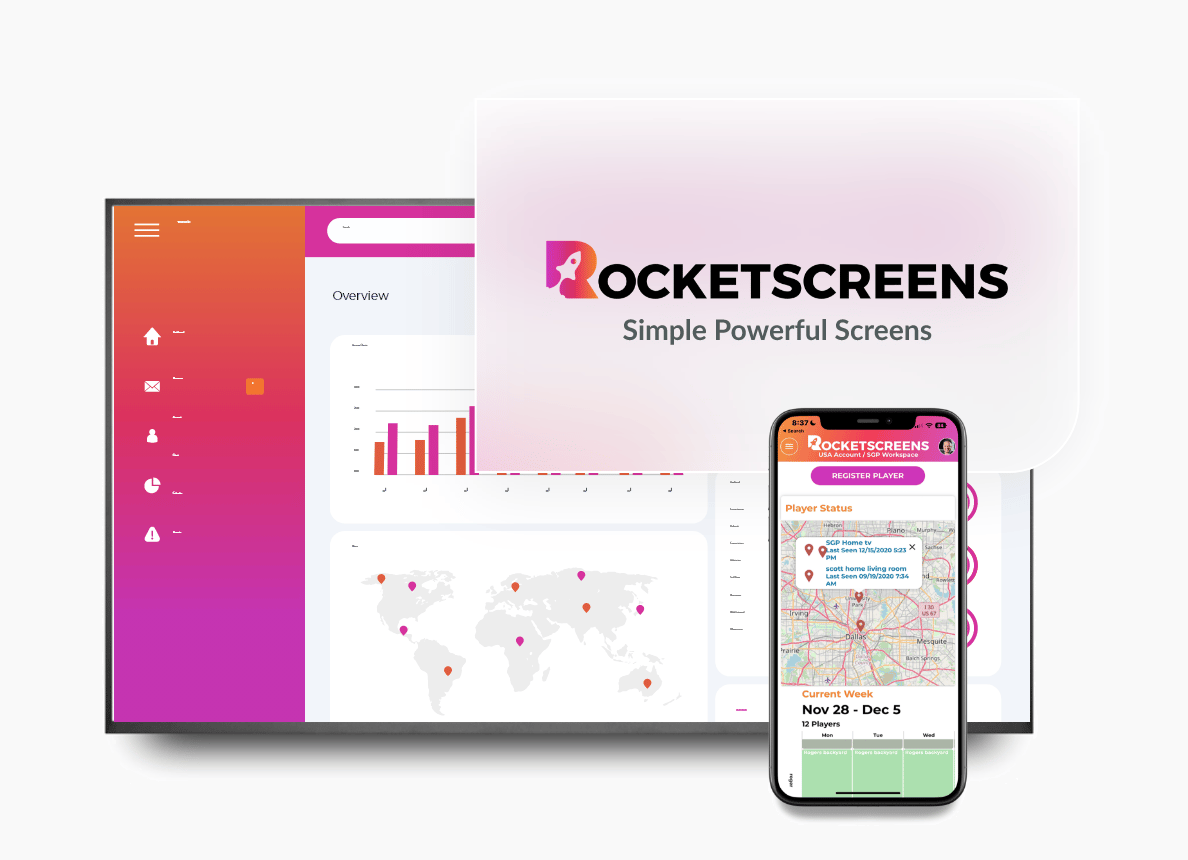
RocketScreens is a secure, cloud-based digital signage platform built around displaying live business data on screens. It connects to more than 100 applications, including Tableau, Power BI, Salesforce, Looker Studio, Zoho Analytics, Domo and Grafana.
Dashboards auto-refresh on a schedule, so teams do not rely on static screenshots. Content is managed from a centralized dashboard that scales from a few screens to multi-location networks.
- Best for: organizations that want live KPIs, BI dashboards and operational metrics on TVs
- Hardware: smart TVs with browsers, Amazon Fire TV Stick, Chrome OS and Android media players, HDMI-connected players
- Strengths: data integrations, encrypted connections to business systems, centralized multi-location control, onboarding support
- Consider: teams focused mainly on interactive retail kiosks may want to compare kiosk tooling specifically
2. Yodeck
Yodeck is a well-reviewed, budget-friendly platform with paid plans starting around $8 per screen per month. It offers a free single-screen plan and includes a player device with annual subscriptions.
- Best for: small businesses and single-location deployments that want a low entry cost
- Consider: Yodeck raised Premium and Enterprise rates in 2026, so model multi-year costs carefully
3. Rise Vision
Rise Vision focuses heavily on K-12 schools and multi-site organizations. It bundles digital signage, screen sharing and emergency alerts, and includes phone support across plans.
- Best for: schools, districts and campuses that need alerts and classroom screen sharing
- Consider: its strongest value appears in education pricing and larger deployments
4. ScreenCloud
ScreenCloud is a polished, workplace-oriented platform with a broad app library and solid security credentials. G2 reviewers often rate it as more usable than OptiSigns but also more expensive.
- Best for: corporate communications teams that prioritize interface quality
- Consider: higher per-screen cost and a slower return on investment for smaller teams
5. TelemetryTV
TelemetryTV supports a wide range of bring-your-own hardware and offers strong developer tooling. It suits teams with in-house technical resources who want to build custom content.
- Best for: technically mature teams that want API control
- Consider: non-technical users may face a steeper learning curve
6. Play Digital Signage
Play Digital Signage is a user-friendly cloud platform with a free tier and multiple paid plans. It is a common choice for small and mid-sized businesses moving off spreadsheets and USB sticks.
- Best for: SMBs that want simple scheduling and templates
- Consider: evaluate integration depth if live business data is a priority
7. NoviSign
NoviSign offers an intuitive editor and touchscreen kiosk capabilities, which makes it popular in retail and hospitality environments.
- Best for: retail, restaurants and interactive kiosks
- Consider: compare support responsiveness and deployment tooling for large rollouts
How to Evaluate OptiSigns Alternatives: Implementation Steps
A structured evaluation prevents expensive mid-contract switches. Use these steps to move from shortlist to rollout.
- Define the primary use case. Decide whether screens will mainly show dashboards, announcements, menus, safety content or a mix.
- Audit your current environment. List every screen, location, player device, connected app and active user.
- Map required integrations. Identify which BI tools, CRMs, calendars and collaboration apps must appear on screens.
- Model three-year costs. Include licenses, add-ons, hardware, user seats and expected screen growth.
- Review security requirements. Confirm encryption, authentication options and how credentials for connected tools are handled.
- Run a pilot. Test two or three platforms on five to ten real screens with real content for at least two weeks.
- Measure pilot results. Track setup time, refresh reliability, admin hours and user feedback.
- Plan the migration. Rebuild playlists, reassign screens by location and train content owners before cutover.
- Roll out in phases. Start with one site or department, then expand once processes are stable.
Industry Use Cases for OptiSigns Alternatives
Sales and Revenue Teams
Sales floors display Salesforce or HubSpot pipeline dashboards, leaderboards and quota progress. Live data keeps reps focused without logging into separate tools.
IT and Customer Support
Support teams show Zendesk or Jira queues, SLA timers and incident status on wall-mounted TVs. Problems surface faster when everyone sees the same live numbers.
Manufacturing and Warehousing
Production floors display output targets, downtime, safety metrics and shift updates. Real-time visibility helps supervisors act before small issues become missed targets.
Financial Services
Banks and finance teams display Tableau or Power BI dashboards for performance, risk and branch metrics. Secure data handling is a key requirement in this sector.
Multi-Location Enterprises
Organizations with regional offices or retail chains push consistent messaging and location-specific data from a single dashboard. Centralized control reduces dependence on local staff.
Corporate Offices and Hybrid Workplaces
Office screens show company announcements, meeting room calendars, weather and team metrics. These displays keep in-office and hybrid staff aligned.
Common Challenges When Switching Platforms
- Content migration: playlists, templates and schedules rarely transfer automatically between vendors
- Hardware compatibility: some players or older smart TVs may not support every platform
- Credential management: reconnecting BI tools and SaaS apps requires coordination with system owners
- Stakeholder adoption: content editors need training on new workflows
- Contract timing: annual commitments can create overlap costs during the transition
Most of these challenges are manageable with a written migration plan and a phased rollout.
Best Practices for Selecting a Digital Signage Platform
- Prioritize the use case that drives the most business value, not the longest feature list
- Choose platforms with native integrations for your core data tools rather than screenshot workarounds
- Confirm that screen health monitoring and offline alerts are included
- Set role-based access so departments manage their own screens without affecting others
- Design dashboards for distance viewing with large fonts, high contrast and limited metrics per screen
- Schedule content by time of day, shift or audience
- Review screen performance and content relevance every quarter
Mistakes to Avoid When Choosing an OptiSigns Alternative
- Comparing only the entry price and ignoring add-ons, user limits and tier minimums
- Skipping a pilot and committing to an annual contract based on a demo alone
- Ignoring security reviews for platforms that connect to sensitive business data
- Buying hardware before confirming platform compatibility
- Overloading screens with too many dashboards, which makes key numbers harder to read
- Leaving content ownership undefined, which leads to stale screens within weeks
Frequently Asked Questions
What is the best OptiSigns alternative for displaying dashboards on TVs?
For organizations focused on live business data, a data-first platform like RocketScreens is a strong fit. It connects to 100+ applications, including Tableau, Power BI and Salesforce, and refreshes dashboards automatically on a schedule.
Is there a cheaper alternative to OptiSigns?
Yes. Platforms such as Yodeck and Kitcast list lower entry prices. Compare total cost, including add-ons, user seats and support, rather than the headline per-screen rate alone.
Can I reuse my existing screens and players when switching from OptiSigns?
In most cases, yes. Many cloud signage platforms run on smart TV browsers, Fire TV Sticks, Android players and Chrome OS devices. Confirm compatibility for each device model during the pilot.
How long does it take to migrate from OptiSigns?
A small deployment can migrate in days. Multi-location rollouts usually take a few weeks, depending on the number of screens, integrations and content owners involved.
What security features should enterprise signage platforms offer?
Look for encrypted data connections, secure credential storage, role-based user permissions, single sign-on options and centralized device monitoring.
Find the OptiSigns Alternative Built for Your Data
If your screens need to do more than rotate slides, the platform behind them matters. RocketScreens gives IT and operations teams a secure, cloud-based way to put live dashboards, KPIs and company updates on every screen, across every location.
With 100+ integrations, centralized screen management and enterprise-grade reliability, your teams see the numbers that matter without extra logins or manual updates.
Book a demo with the RocketScreens team to see your own dashboards on screen, or start a free trial and connect your first data source today.