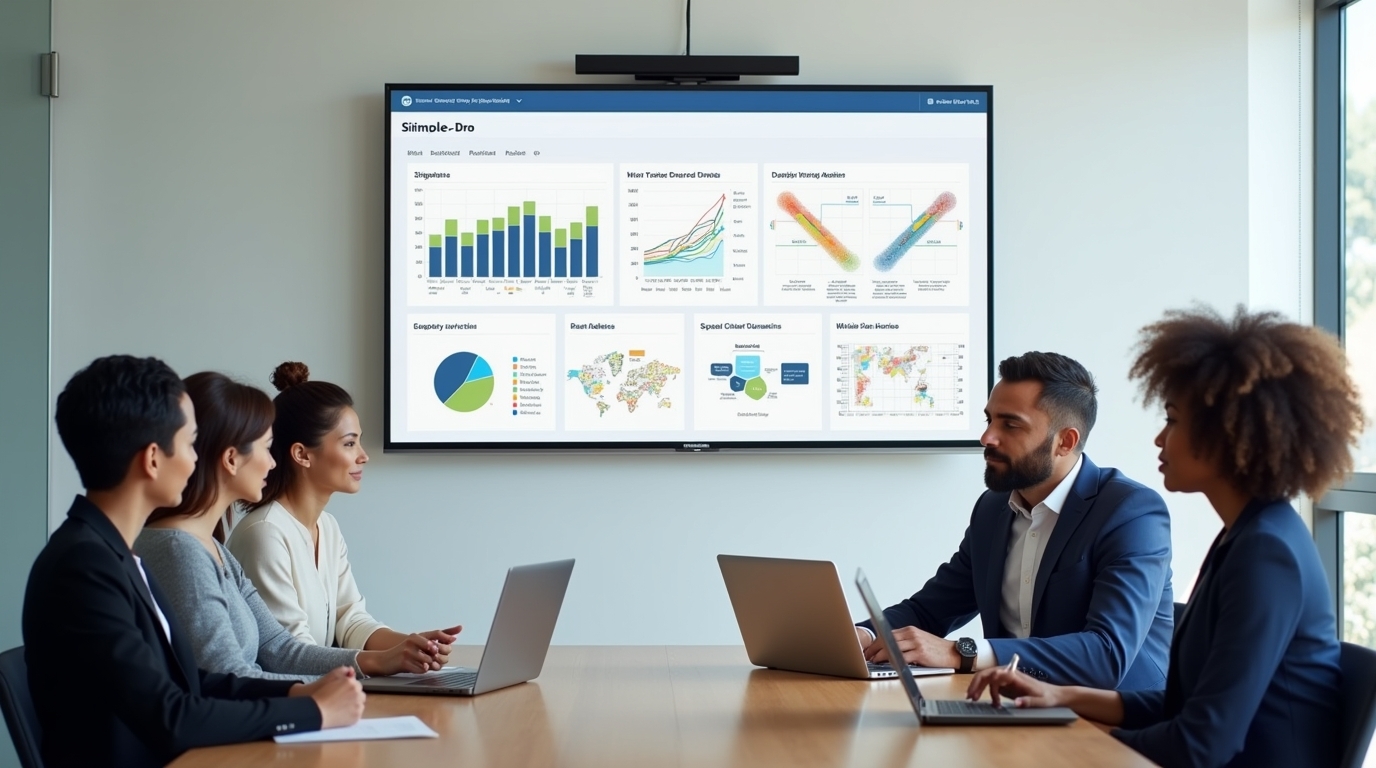
Logistics runs on decisions made under pressure. Shipments move, docks fill up, drivers wait, inventory shifts, and costs creep up quietly. Most logistics teams already have the data they need, but it sits in too many systems and reaches people too late.
Power BI helps logistics and supply chain companies pull that fragmented data together into clear, live dashboards. When those dashboards are made visible on shared screens using RocketScreens, they stop being reports and start shaping daily action.
This page explains how Power BI is used in logistics, the problems it solves, the metrics that matter most, and why putting dashboards on digital signage changes how teams respond on the ground.
What Power BI Does in Logistics and Supply Chain Operations
Logistics data usually lives in silos. Transportation data sits in a TMS. Inventory and picking data lives in a WMS. Finance relies on ERP exports. Planners often keep side spreadsheets because reports do not answer their questions fast enough.
Power BI connects these sources into one data model so everyone works from the same numbers. It pulls data from:
- Transportation Management Systems
- Warehouse Management Systems
- ERP platforms
- Telematics and GPS tools
- Carrier portals
- Excel and CSV files
Once connected, Power BI lets teams build interactive dashboards that update throughout the day. These dashboards are accessible through a browser or mobile device, and they can be filtered by route, warehouse, customer, carrier, or SKU.
For logistics teams, this means fewer static reports and more live visibility into what is happening right now.
Common Power BI Use Cases in Logistics
Fleet and Route Performance
Power BI helps fleet managers see how vehicles and routes perform across cost, time, and reliability. Typical views include:
- Cost per route and cost per mile
- On-time delivery percentage
- Delay reasons by route or carrier
- Fuel usage and idle time
- Vehicle utilization and empty miles
Instead of scanning multiple tools, managers can spot underperforming routes and react while shipments are still in motion.
Warehouse Operations and Throughput
Warehouse dashboards focus on speed, accuracy, and capacity. Power BI is commonly used to track:
- Pick and pack times
- Picks per hour per zone
- Dock-to-stock time
- Order aging and backlog
- Space usage and congestion
Supervisors can drill from high-level productivity into individual shifts or order types to understand where flow is breaking down.
Inventory and Demand Planning
Inventory teams use Power BI to compare demand signals against actual stock movement. Common views include:
- Forecast versus actual demand
- Stockout frequency and duration
- Slow-moving and excess inventory
- Reorder thresholds by SKU or location
- Days of inventory on hand
This helps planners adjust replenishment decisions before service levels suffer.
Supplier and Carrier Performance
Power BI brings supplier and carrier data into one place so performance is visible and comparable. Teams often track:
- OTIF by carrier or supplier
- Damage and claims rates
- Rate compliance
- Volume commitments versus actuals
Poor performance becomes visible quickly, which supports faster conversations and cleaner accountability.
Problems Power BI Solves for Logistics Teams
Data Spread Across Too Many Systems
Most logistics teams know the frustration of answering simple questions slowly. Where are today’s delayed shipments? Which warehouse is falling behind? Which carrier is missing SLAs this week?
When data lives across WMS, TMS, spreadsheets, and partner portals, answers require manual work. By the time a report is shared, the situation has already changed.
Power BI reduces this friction by pulling data into a shared model that updates continuously.
Reports That Arrive Too Late
Many logistics teams still rely on daily or weekly reports. These are useful for review, but poor for intervention. Delays, backlogs, and cost overruns need attention during the shift, not after it ends.
Power BI supports near real-time dashboards and alerts, so teams see problems while they can still act.
No Easy Way to Find Root Causes
High-level KPIs alone are not enough. If on-time delivery drops, teams need to know why. Power BI allows users to click into a metric and trace it back to routes, customers, SKUs, facilities, or carriers.
This shortens the gap between seeing a problem and fixing it.
Key Logistics and Supply Chain Metrics Power BI Brings Together
Power BI dashboards usually bring multiple operational views into one place. Common logistics metrics include:
Delivery Performance
- On-time delivery percentage
- Average delay minutes
- OTIF performance
Transportation Costs
- Cost per shipment
- Cost per mile
- Fuel consumption
- Load factor and empty miles
Warehouse Productivity
- Order cycle time
- Pick accuracy
- Picks per hour
- Dock-to-stock time
Inventory Health
- Inventory turnover
- Days of inventory on hand
- Stockouts
- Overstock value
Supplier and Carrier Quality
- Vendor OTIF
- Carrier scorecards
- Damage rates
- Claims frequency
Customer Experience
- Return rates
- Reasons for returns
- SLA adherence for key accounts
Power BI makes these metrics filterable and clickable, so leaders can see both the big picture and the operational details in seconds.
Why Real-Time Dashboards Alone Are Not Enough
Even the best Power BI dashboard has one limitation. Someone has to open it.
In logistics environments, frontline teams are busy loading trucks, resolving exceptions, handling drivers, and managing docks. They do not spend their day logging into BI tools.
When dashboards live only in browsers:
- Problems stay hidden until meetings
- Teams rely on status updates instead of shared facts
- Managers chase information instead of acting on it
Visibility matters only when it reaches the people who can act.
Why Shared Screens Change Logistics Behavior
Putting live Power BI dashboards on shared screens changes how teams work during the day. When metrics are always visible:
- Backlogs and SLA risks are seen as they emerge
- Everyone shares the same view of performance
- Conversations shift from opinions to facts
- Fewer meetings are needed to explain status
A simple example is a control room screen that cycles through on-time delivery, open exceptions, and warehouse queues. If performance dips, planners and supervisors notice immediately and respond without waiting for an email or report.
This is where digital signage plays a practical role in logistics operations.
How RocketScreens Extends Power BI on the Operations Floor
Power BI is built for analysis. RocketScreens is built for visibility.
RocketScreens connects Power BI dashboards to TVs and shared displays across warehouses, offices, control rooms, and fleet areas. It has a direct Power BI integration, so reports can be shown securely without relying on public links or manual screenshots.
Because RocketScreens also connects to over 100 other applications, logistics teams can mix Power BI data with other operational content on the same screen.
Practical Logistics Use Cases with RocketScreens and Power BI
Operations War Rooms
In a central operations area, teams often rotate through several views:
- Power BI dashboards for on-time delivery and exceptions
- Live TMS boards showing shipment status
- Weather alerts or traffic updates
RocketScreens lets these views cycle automatically, keeping the room focused on what matters during the shift.
Warehouse Floors
On warehouse floors, screens display:
- Pick and pack productivity from Power BI
- Dock status and aging orders
- Shift targets and progress
Associates and supervisors see performance throughout the day, not just in end-of-shift reviews.
Fleet Management Areas
Fleet teams use shared screens to show:
- Vehicle utilization and fuel usage
- Maintenance alerts
- Safety reminders and driver recognition
Power BI metrics can sit alongside announcements or leaderboards without switching tools.
Executive and Planning Areas
In offices, high-level supply chain dashboards loop on screens:
- Service levels
- Cost trends
- Inventory positions
This replaces static slide decks and keeps leadership aligned on current performance.
Combining Power BI with Other Operational Content
One advantage of RocketScreens is flexibility. A single screen can show:
- A Power BI KPI tile
- A live intranet message
- A logistics news feed
- A shift announcement
This matters in logistics because teams need context, not just numbers. A delayed route metric makes more sense when paired with weather alerts or carrier notices.
RocketScreens supports website-based dashboards and direct integrations, so teams are not locked into one format or one data source.
Security and Control for Logistics Environments
Logistics data is sensitive. RocketScreens is designed to display Power BI content securely without exposing dashboards to public access.
Admins control:
- Which dashboards appear on which screens
- How often content refreshes
- Who can manage layouts and playlists
This keeps data visible without increasing risk.
What Changes When Dashboards Are Always Visible
Teams using Power BI with digital signage often notice practical shifts:
- Faster reactions to delays and backlogs
- Clear ownership of daily targets
- Fewer “what is the status” conversations
- Stronger alignment across operations, planning, and leadership
The technology does not replace good processes. It supports them by keeping reality visible.
Why Power BI and RocketScreens Work Well Together
Power BI helps logistics teams understand what is happening. RocketScreens helps them act on it.
Together, they turn analytics into shared awareness. Data stops being something you check and starts being something you see.
For logistics and supply chain operations that depend on timing, coordination, and quick decisions, that visibility can be the difference between reacting late and responding early.