Salesforce Events on TV: Turn Closed Won Deals into Real‑Time Motivation with RocketScreens
In high-performing sales organizations, momentum is everything. There is a palpable energy when a deal closes-a "gong" rings, high-fives are exchanged, and the atmosphere shifts. But as sales teams become more distributed or buried in their screens, that energy often gets lost in silent digital notifications that no one sees.
Data is the lifeblood of your sales operation, but visibility is its heartbeat. If your team creates a massive opportunity or closes a six-figure deal, but the celebration is hidden inside a browser tab, does it have the same impact?
This is where putting Salesforce Events on TV changes the dynamic. By moving key milestones out of the database and onto office screens, you turn silent data into loud, motivating signals. RocketScreens allows you to broadcast Salesforce closed won notifications, pipeline updates, and real-time Salesforce dashboards directly to digital signage, keeping your team aligned and hungry for the next win.
Here is how you can take the data already sitting in your CRM and turn it into a 24/7 performance engine.
1. What Salesforce Events Really Mean for Sales Teams
When we talk about "Salesforce Events" in the context of digital signage, we aren't talking about scheduling a lunch meeting on your calendar. In the technical world of CRM, an event is a signal - a trigger that indicates something significant has happened within your data.
For a sales director or a revenue operations manager, an event represents a critical change in state. It is the moment an Opportunity stage moves from "Negotiation" to "Closed Won." It is the instant a Lead converts to a Contact. It is the second a high-value demo is booked.
These are the pulse points of your revenue cycle. However, standard Salesforce reporting treats these as static rows in a database. You run a report on Friday to see what happened on Tuesday. By then, the moment has passed.
By utilizing RocketScreens Salesforce integration, we treat these moments as live broadcasts. We capture the signal the moment it happens via Salesforce Outbound Messages and Flows, and we push a visual notification to your screens immediately. This transforms a database update into a "Breaking News" flash for your sales floor.
2. The "Tab Trap": Common Pains with Salesforce Data Visibility
Every sales leader faces the same struggle: you have incredible data, but your team doesn't look at it.
Salesforce is a robust tool, but it is also complex. For a sales representative, it is often seen as a place to do data entry, not a place to find motivation. Reps live in their email, on LinkedIn, or on calls. They aren't keeping a dashboard open on a second monitor all day to watch their teammates' progress.
This leads to several "visibility gaps" that hurt performance:
- Delayed Recognition: A rep closes a deal at 10:00 AM, but the manager doesn't see it until the end-of-day report. The chance for immediate positive reinforcement is gone.
- The Black Box Effect: Individual contributors often feel isolated. They know their own numbers, but they have no sense of the team’s collective momentum unless they manually check a report.
- Manual Reporting: Managers waste hours taking screenshots of Salesforce reports to paste into Slack channels or slide decks for Monday morning meetings.
- Buried Dashboards: You spent weeks building the perfect real-time Salesforce dashboards, but if they require five clicks to find, they might as well not exist.
The data isn't the problem. The delivery method is.
3. Why Real‑Time, Always‑Visible Salesforce Events Matter
Visual communication works because it is passive. You don't have to ask a TV screen for information; it pushes information to you.
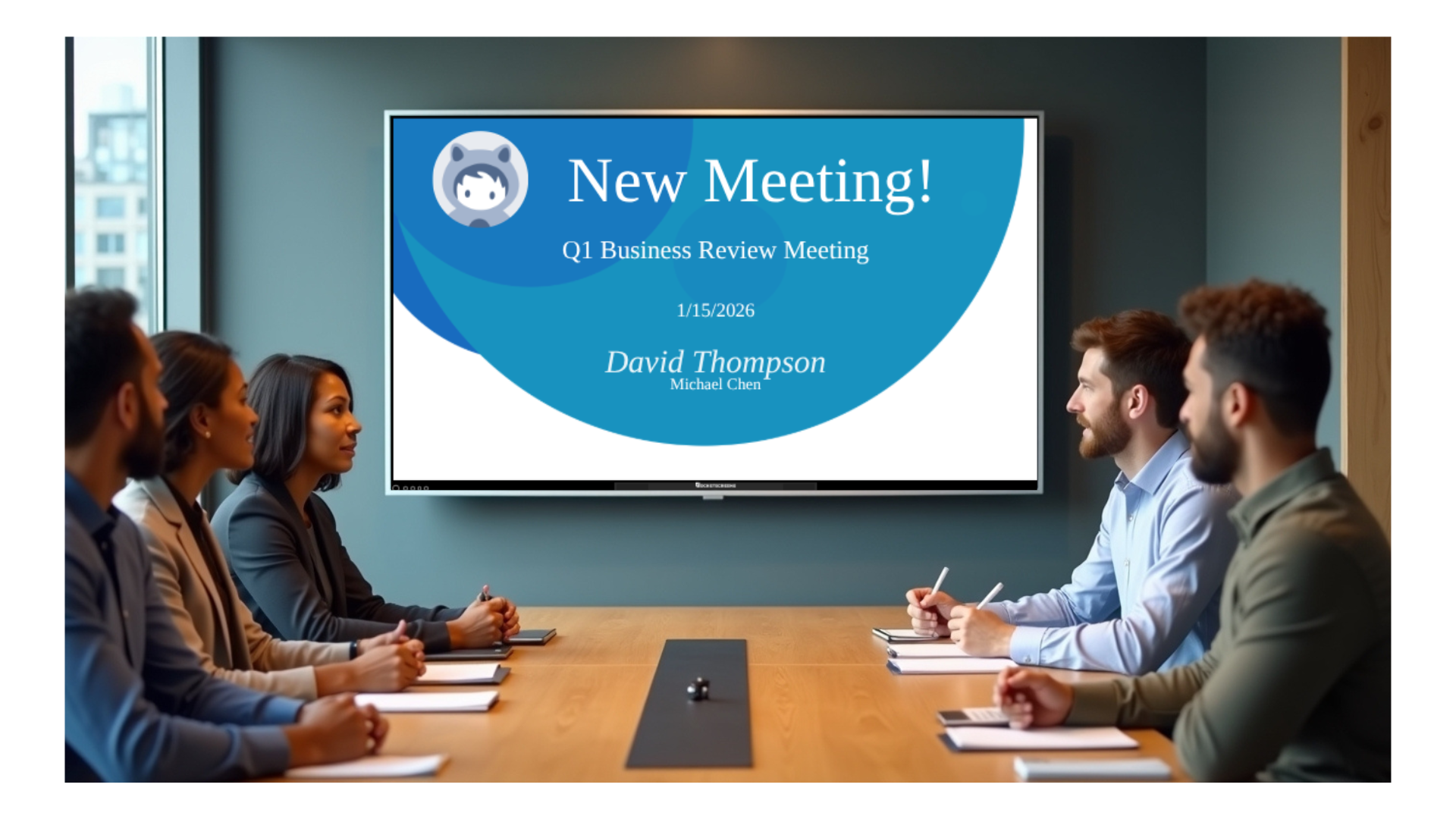
When you display Salesforce Events digital signage in common areas, break rooms, or even on the "second screen" of remote employees, you create a culture of transparency. Psychology plays a massive role here. When a rep knows that their "Closed Won" notification will flash up on the big screen with their photo and the deal amount, they are naturally more inclined to push that deal across the line.
It also shortens the reaction time to critical data. If a "High Priority Support Case" event flashes on the screen, the account manager knows instantly. If a "Large Pipeline Dip" trend appears on a dashboard, leadership can address it Tuesday morning rather than waiting for the monthly business review.
Always-on visibility turns your CRM from a storage locker into a scoreboard. It answers the question, "Are we winning right now?" without anyone having to say a word.
4. From Buried Dashboards to Office TVs: Introducing RocketScreens
This is where RocketScreens bridges the gap. We built a platform that securely connects to your existing tools and broadcasts them to any screen, anywhere.
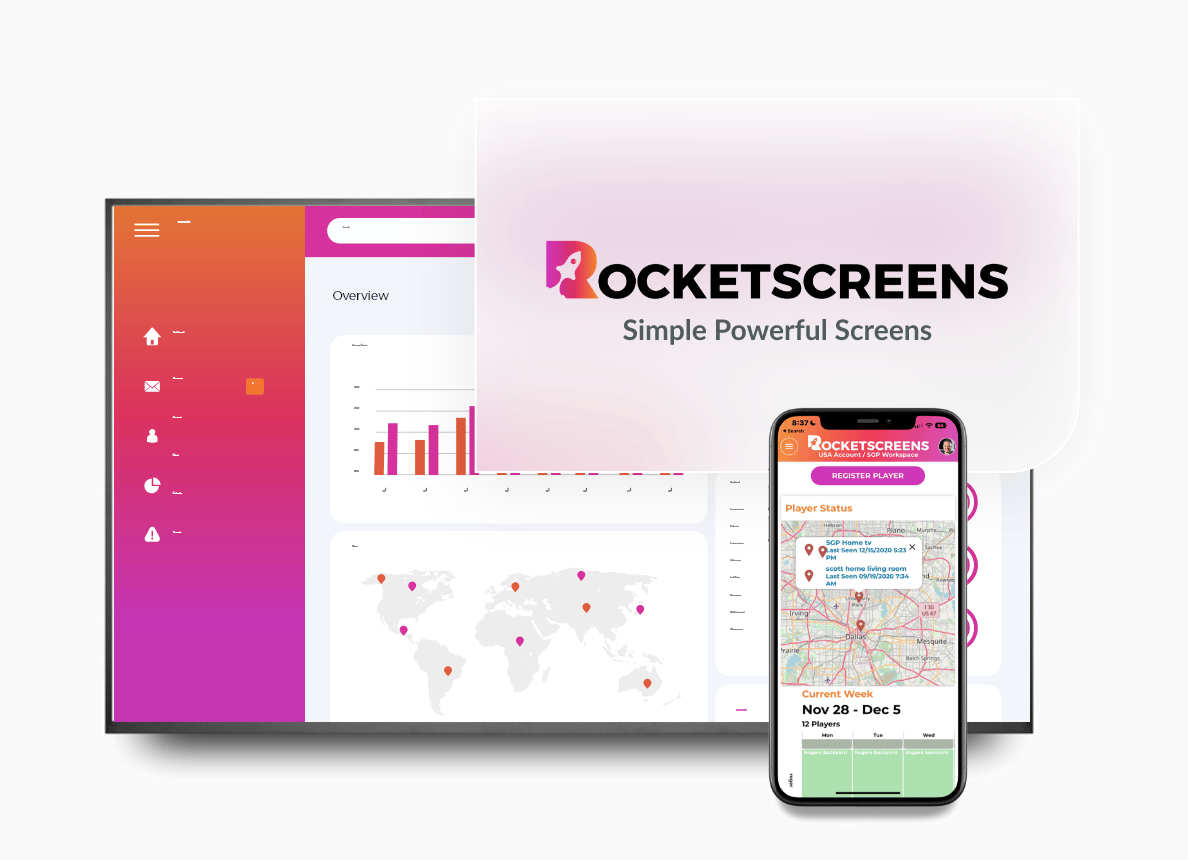
RocketScreens is not just a digital signage tool that loops JPEGs. It is a data visualization platform. We offer a specialized RocketScreens Salesforce integration designed to pull live data, reports, and event triggers directly from your Salesforce instance.
But we know sales teams don't live in Salesforce alone. You use Slack for communication, Google Sheets for quick calculations, and Power BI or Tableau for deep analysis. RocketScreens integrates with over 100 apps and integrations, allowing you to build a comprehensive "Sales Channel."
Imagine a TV in your sales pit that rotates through:
- A live sales leaderboard TV display (via Salesforce reports).
- A flash notification for a new Closed Won deal (via Salesforce Events).
- A calendar view of upcoming demos (via Google Calendar).
- A BI visualization of year-over-year growth (via Microsoft Power BI).
You are effectively building a 24/7 news channel dedicated entirely to your company's revenue goals.
5. How Salesforce Events Work Inside RocketScreens
The magic happens through a connection between Salesforce "Flows" and RocketScreens "Apps."
RocketScreens uses a specific app type called "Salesforce Events." When you configure this in our dashboard, the system generates a unique endpoint URL (a "listener").
On the Salesforce side, you act as the broadcaster. You set up a "Flow"—Salesforce’s automation engine—that watches for specific criteria. For example, you might tell Salesforce: "Watch all Opportunities. If the Stage changes to Closed Won, trigger an Outbound Message to this RocketScreens URL."
When that criteria is met:
- Salesforce fires the message instantly.
- RocketScreens receives the data (Who sold it? How much? Which client?).
- Your screens interrupt their regular content loop.
- The "Celebration Event" plays—complete with animations, sound effects, and the specific deal details.
- After the celebration (e.g., 15 seconds), the screens return to the standard playlist.
This creates a " interrupt" style broadcast, similar to a breaking news alert, ensuring the team looks up when it matters most.
6. Real Examples of Salesforce Events You Can Show on Screens
What should you actually broadcast? Here are three high-impact scenarios we see successful sales teams using today.
The "Big Win" Celebration (Closed Won)
This is the classic use case. You configure the event to trigger only when an Opportunity hits "Closed Won" and the amount is over a certain threshold (e.g., $5,000).
- What shows on TV: A full-screen animation with gold coins or fireworks. The text reads: "BIG WIN! Sarah J. just closed Acme Corp for $12,500!"
- The Detail: A QR code appears in the corner. If a manager scans it, they are taken directly to that Opportunity record in Salesforce on their phone to leave a congratulatory chatter note.
The "Pipeline Pump" (New Opportunity Created)
Keep the top of the funnel visible. Trigger an event whenever a new "Qualified Opportunity" is created.
- What shows on TV: A "New Challenger" style graphic. "New Pipeline Alert: TechSolutions just added $50k to the funnel. Owner: Mike R."
- Why it works: It reminds the team that closing is great, but building pipeline is the work that makes closing possible.
The "Demo Booked" Alert
For SDR/BDR teams, closing deals isn't their primary metric—booking meetings is.
- What shows on TV: A fast, high-energy alert. "DEMO BOOKED! Alex just scheduled a meeting with Global Industries."
- The Impact: This provides instant gratification for SDRs who often have to make 50+ calls to get one "Yes."
7. Combining Salesforce Events with Leaderboards and Dashboards
While events are great for "flashes" of information, you also need steady state awareness. This is where you combine the Event triggers with standard reporting.
You can use RocketScreens to display Salesforce dashboards on TV that rotate throughout the day. These aren't static screenshots; they are live windows into your reports.
The "RocketRankings" Approach
Competition drives sales. With our RocketRankings feature, you can take a Salesforce report (e.g., "Revenue by Rep this Quarter") and turn it into a visualized, ranked leaderboard.
- Visual: A sports-style leaderboard showing the top 5 reps, their photos, and their total revenue.
- Update Frequency: This refreshes every few minutes.
- The Mix: Your screen playlist might look like this:
- Slide 1 (30 seconds): The Monthly Revenue Leaderboard.
- Slide 2 (30 seconds): Company Announcements.
- Slide 3 (30 seconds): Salesforce Pipeline Dashboard.
- INTERRUPT: A "Closed Won" Event takes over the screen for 15 seconds, then the loop resumes.
This combination ensures the team knows the long-term score (Leaderboards) while celebrating the short-term wins (Events).
8. How Live Salesforce Events on TV Improve Team Performance
Implementing salesforce events on tv isn't just about "looking cool." It drives specific business outcomes.
- Increased Data Hygiene: When a rep knows that their deal will appear on the 65-inch 4K TV in the lobby, they make sure the data is correct. They stop being lazy about entering deal amounts or client names. The public nature of the display encourages accurate data entry.
- Reduced Meeting Fatigue: How many meetings are held just to update the team on numbers? When real time salesforce dashboards are always visible, everyone knows the score. You can skip the "status update" portion of the meeting and focus on strategy.
- Unified Remote and In-Office Culture: RocketScreens can also push these playlists to desktop web browsers or mobile devices. If you have a hybrid team, a remote worker can have the "Office TV" running in a tab. When a celebration fires, they see it at the same time as the team in HQ. It bridges the physical divide.
- Faster Course Correction: If the "Daily Call Volume" dashboard on the wall shows the team is red at 2:00 PM, the manager can rally the troops immediately. If that data was hidden in a report, the problem wouldn't be spotted until tomorrow.
9. Setting Up Salesforce Events with RocketScreens (Overview)
Getting this live is straightforward, though it requires someone with Salesforce Administration permissions. Here is the high-level workflow:
- In RocketScreens: Go to the App Store and select "Salesforce Events." Choose your event type (e.g., Opportunity Won). Customize your animation style, duration, and sound.
- Get the URL: RocketScreens will provide you with a unique "Outbound Message URL." Copy this.
- In Salesforce: Navigate to Setup. Create a new "Outbound Message." Paste the RocketScreens URL here.
- Create a Flow: Build a "Record-Triggered Flow" on the Opportunity object. Set your conditions (e.g., Stage Equals Closed Won).
- Connect: Add an "Action" to your Flow that triggers the Outbound Message you created.
Once this is active, the connection is live. The next time a deal closes, the message travels securely from Salesforce to RocketScreens, and your TV lights up.
Note: This feature primarily supports Opportunity objects. For custom objects or advanced configurations, our support team can assist.
10. Beyond Salesforce: Unifying All Your Revenue Data on Screens
While Salesforce is the core, your business runs on more than one engine. The true power of digital signage comes from unification.
RocketScreens serves as a central hub. You might display your Salesforce closed won notifications, but right next to it, you can display:
- Support Ticket Volume: Integrate with Zendesk or Freshdesk to show sales reps if their accounts are having technical issues.
- Marketing Performance: Connect Google Analytics or HubSpot to show web traffic spikes.
- Financial Health: Use our integrations for Power BI or Tableau to show high-level profitability metrics.
- Social Proof: Display a live feed of your latest 5-star Google Reviews or X (Twitter) mentions to keep morale high.
RocketScreens turns scattered dashboards into a shared, always-on command center that everyone can see at a glance - from office floors to remote screens.
11. Final Thoughts
Your sales team is working hard. They are making calls, booking demos, and closing revenue. Don't let those wins vanish into the void of a database.
RocketScreens turns your Salesforce data and events into live, visible dashboards your whole team can see, understand, and act on. By bringing visibility to the forefront, you build a culture that celebrates success, recognizes effort, and stays focused on the goal.
Ready to see your own data light up the room? Start your free trial today or book a demo to see Salesforce Events live on your office TVs.
Frequently Asked Questions (FAQs)
What are Salesforce Events in this context?
Salesforce Events here refers to key Opportunity‑based milestones (such as Closed Won or specific stage changes) that trigger notifications from Salesforce into RocketScreens. Unlike calendar events, these are data triggers that result in visual celebrations or alerts.
Do I need to be a Salesforce admin to set this up?
Yes, configuring Outbound Messages and Record‑Triggered Flows to send events to RocketScreens requires Salesforce admin‑level access. However, once the connection is made, managing the display in RocketScreens can be done by any user.
Can RocketScreens show regular Salesforce dashboards and reports too?
Yes, RocketScreens can mirror Salesforce dashboards and reports on any TV or screen with live updates, not just event alerts. You can schedule these to rotate alongside your event notifications.
What kinds of metrics work best on TV screens?
Metrics like Closed Won revenue, pipeline value, win rate, new opportunities, demo counts, and activity volume work well because teams can quickly scan them and adjust behavior. Complex spreadsheets should be avoided; stick to high-level KPIs.
Does RocketScreens only work with Salesforce?
No, RocketScreens integrates with over 100 apps and integrations, including CRM, BI, calendars, and marketing tools, so you can combine Salesforce Events with data from other platforms on the same screens.