We have all walked into that office lobby. You approach the reception desk, and behind it hangs a sleek, expensive 65-inch 4K television. But instead of displaying anything useful, it’s completely black. Or worse, it’s bouncing a "No Signal" logo around the screen like a screensaver from the 90s.
For a modern business, this is a missed opportunity. That black screen represents a disconnect. It creates an environment that feels stagnant, uninviting, and isolated from the rest of the world.
Keeping employees engaged and visitors impressed is a constant battle for office managers and IT directors. You want the space to feel alive, but traditional solutions are clunky. Cable TV subscriptions are expensive and require proprietary hardware boxes. Smart TV apps are often plagued by unskippable ads and frequently crash after a few hours of playback.
There is a better way to bring the outside world in. By using ABC News digital signage through a centralized platform like RocketScreens, you can turn those dead pixels into a vibrant hub of global awareness.
Here is how integrating trusted news sources into your workplace environment improves culture, builds trust, and solves the "silent office" problem-without the need for a cable guy.
Why Live News Matters in the Modern Workplace
Many organizations hesitate to put news on the wall because they worry it might be a distraction. However, when deployed correctly, ambient news actually serves as a business intelligence tool. It shifts the atmosphere from sterile to dynamic.
Creating a "Pulse" in the Office
A silent office can feel isolated. When a team is deep in focused work, they can lose track of the wider context in which their industry operates. Streaming live news for business TV brings a "pulse" to the room. It signals that business is happening right now, markets are moving, and the world is active.
This is particularly effective in common areas like breakrooms or cafeterias. It provides a shared background that sparks conversation. Instead of staring at their plates or sitting in silence, employees might chat about a developing story regarding the economy, a major weather event, or a breakthrough in technology. It fosters a sense of community that scheduled team-building exercises often struggle to replicate.
Reducing Mobile Distractions
This creates a paradox: putting content on the wall actually reduces the time employees spend looking at their phones.
We live in an era of "doom-scrolling." When major events happen—whether it's a fluctuating stock market, an election, or a severe weather warning—employees will inevitably check for updates. If the office environment provides no information, they retreat into their personal devices. They open X (Twitter), check Reddit, or scroll through news apps. This isolates them at their desks and breaks their workflow.
By providing a curated, shared source of information via office TV news apps like the ABC News integration on RocketScreens, you satisfy that need for awareness. An employee can glance up, see the headline or the market ticker, feel informed, and return to work without getting sucked into the rabbit hole of a social media feed.
Building Trust with Visitors
First impressions are sticky. When a client, partner, or prospective hire walks into your lobby, they are instantly judging the operational health of your company.
A waiting room with a TV tuned to a live news feed feels professional. It suggests the organization is plugged in and current. Compare this to a lobby with a turned-off TV or a pile of magazines from three years ago. The latter implies stagnation. Live news acts as a subtle signal of competence and relevance.
What is the ABC News Integration?
ABC News is a premier global news organization and a division of the Walt Disney Television network. For decades, it has been a primary source for breaking news, politics, business, and weather. But in the context of digital signage, we aren't just talking about a standard broadcast.
Beyond Just a Video Stream
When you use RocketScreens to integrate ABC News, you aren't limited to a single format. While you can stream live video coverage for major events, the integration allows for more subtle, data-driven displays suitable for a working environment.
- RSS Feeds & Tickers: You can display scrolling headlines that offer information without demanding audio.
- Topic-Specific Feeds: You can filter content to show only what is relevant to your team. A marketing firm might want "Technology" and "Business" news, while a logistics company might prioritize "Weather" and "National Headlines."
- Visual Snippets: Auto-refreshing images and summaries that provide context at a glance.
The Reliability of ABC News
In a corporate setting, the source matters. You need content that is vetted and professional. ABC News offers that layer of corporate safety. Unlike user-generated content platforms or uncurated social feeds, ABC provides standard journalistic coverage. This reduces the risk of displaying inappropriate or unverified information in your lobby or breakroom, making it a safe bet for corporate digital signage content.
Common Challenges with "DIY" Office News (And How We Solve Them)
If you have ever tried to set up a TV in an office using consumer methods, you know the pain points. It usually starts well and falls apart within a week.
The "Cable Guy" Problem
Traditional cable is a logistical nightmare for offices.
- Cost: You often have to pay "business class" rates for cable subscriptions for every single screen.
- Hardware: You need a cable box for every TV. This is ugly, requires wire management, and usually involves a remote control that inevitably gets lost or runs out of batteries.
- Content Control: Someone has to manually change the channel. If the remote is lost, your law firm lobby might be stuck playing cartoons or daytime soap operas, which is hardly the image you want to project.
The "Smart TV" App Problem
So, you decide to cut the cord and use the built-in Smart TV apps. This introduces a new set of issues.
- Ads: Free news apps are supported by ads. You have no control over what plays. A competitor’s ad could pop up while your client is sitting in the lobby.
- Stability: Consumer TV apps are not designed to run 24/7. They time out, ask for "Are you still watching?" prompts, or crash completely, requiring someone to climb on a chair and reset the TV.
The RocketScreens Fix
RocketScreens positions itself as the "easy button" for major news networks. We solve these hardware and software headaches through centralized control.
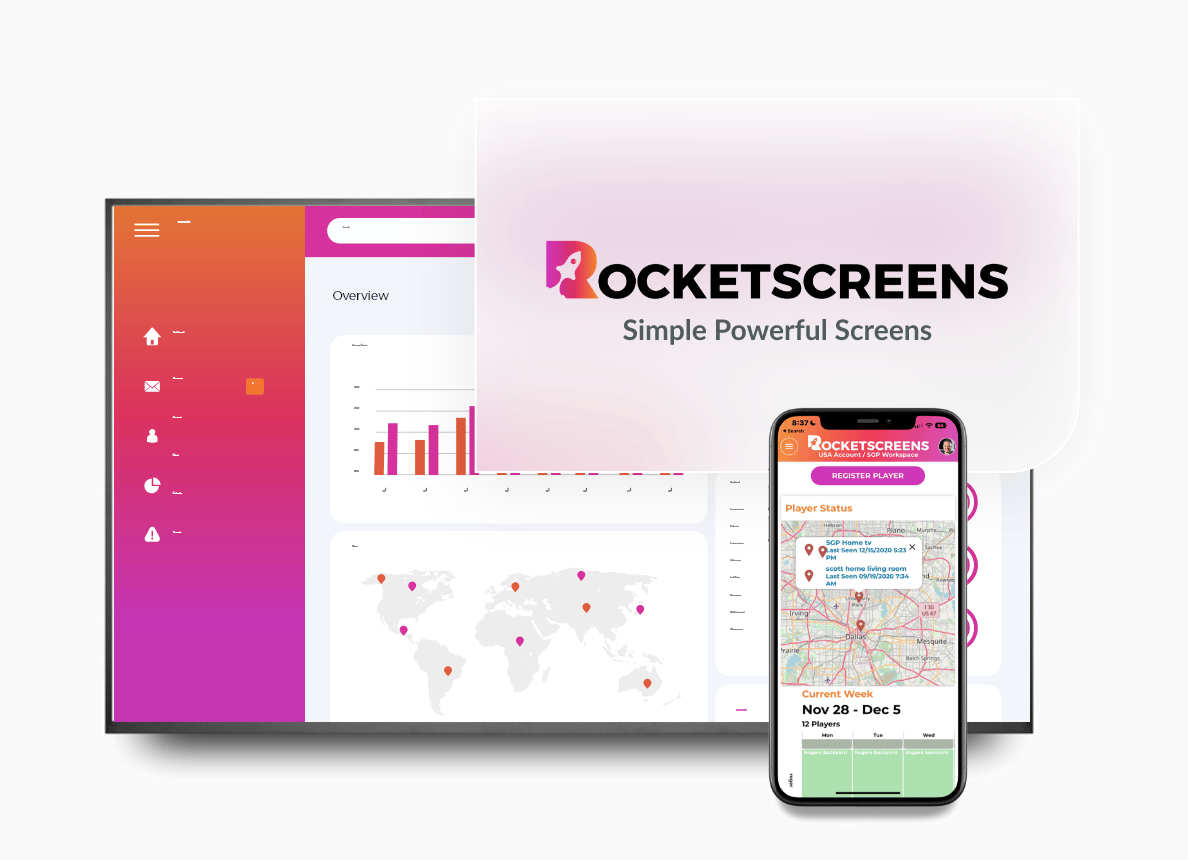
With RocketScreens, the "remote" is in the cloud. You manage every screen from your web dashboard. You decide what plays, when it plays, and how long it plays. There are no cable boxes required—just a simple connection via devices you likely already own, like an Amazon Firestick or Google Chromecast. You get the polish of a professional broadcast network with the control of an IT administrator.
Real Examples: How to Display ABC News on Your Screens
The beauty of digital signage software is flexibility. You rarely want the exact same content playing in the cafeteria as you do on the sales floor. Here is how you can use the ABC News integration across different zones of your business.
Scenario A: The Lobby (The Welcome Experience)
Goal: Professionalism and waiting room entertainment.
Layout: Full-Screen Video or Large Media.
In the lobby, audio might be kept low or off with captions enabled. You can schedule the ABC News Top Stories video feed. This ensures that anyone waiting for a meeting is occupied with high-quality content. It prevents the awkward silence of a waiting room and makes the perceived wait time feel shorter.
Scenario B: The Operations Center (Situational Awareness)
Goal: Monitoring external factors that impact business logistics.
Layout: Scheduled Playlist Loop.
In logistics, IT, or manufacturing, external events matter. A severe storm might delay a shipment, or a major industry shift might affect supply chains. You can use RocketScreens to create a high-frequency loop to keep these teams alert.
- Content 1 (45 seconds): Internal Operational Dashboards (e.g., Tableau or Power BI) showing open tickets or shipment tracking.
- Content 2 (15 seconds): ABC News "National Headlines" or "Weather" feed. This setup ensures your team sees their critical internal numbers while maintaining a constant eye on the outside world, all on a single screen.
Scenario C: The Breakroom (Culture and Community)
Goal: Relaxation and internal communication.
Layout: Rotating Playlist.
The breakroom is where you can mix things up. You don't want a static dashboard here.
- Slot 1 (5 minutes): Internal HR updates, employee birthdays, and upcoming company events.
- Slot 2 (10 minutes): ABC News "Entertainment" or "US Headlines" to provide conversational fodder.
- Slot 3 (5 minutes): Local weather radar (vital for commuters).
RocketScreens allows you to loop this content automatically, ensuring the screen is never stale.
How to Set Up ABC News in RocketScreens
Adding a major news network to your digital signage usually involves complex RSS URL hunting or negotiating licensing. We have stripped that complexity away.
Step 1: Access the App
Log into your RocketScreens account and navigate to our extensive Apps list. Search for "ABC News."
Step 2: Choose Your Content Style
You will be presented with options. Do you want the "Top Stories" video feed? Or perhaps you prefer a specific text-based feed like "International News," "Health," or "Travel"? Select the style that fits the room you are targeting.
Step 3: Add to a Channel
Drag your configured ABC News app into a Channel. This is where you can mix it with other content, like your Google Slides presentations, Trello boards, or social media walls.
Step 4: Assign to Screens
Select which physical TV screens should display this channel. You can push the update instantly. Within seconds, your stream news in office lobby setup is live.
Benefits of Centralized News Management
Moving away from the remote control and toward a cloud-based Content Management System (CMS) like RocketScreens offers three distinct advantages for your business.
1. Alignment
Information fragmentation is a real issue. If half your office gets their news from X (Twitter) and the other half from cable TV, they are operating on different facts. By displaying a shared, neutral news source like ABC News, you align the team on the external factors affecting the business. Everyone sees the same weather warning; everyone sees the same industry regulation update.
2. Professionalism
We touched on this earlier, but the ability to filter content is vital. With RocketScreens, you aren't at the mercy of a cable network's programming schedule. You won't accidentally display a pharmaceutical commercial during a client presentation. You curate the environment to ensure it remains workplace-appropriate.
3. Automation
The best technology is the kind you set and forget. You can schedule your screens to wake up at 8:00 AM with the Morning News, switch to internal KPI dashboards at 9:00 AM for the start of the workday and switch back to traffic and weather reports at 5:00 PM to help staff plan their commute. Once you build the schedule, RocketScreens handles the rest.
FAQs
Do I need a cable subscription to use the ABC News app on RocketScreens?
No. The RocketScreens integration pulls content directly via the web, bypassing the need for a coaxial cable connection or a cable provider contract.
Can I filter the news to show only business-related topics?
Yes. You can select specific RSS feeds within the integration. If you want to avoid political headlines and focus solely on financial or tech news, you can select those specific feeds during setup.
Does this work on any TV?
RocketScreens is hardware agnostic. As long as your TV has an HDMI port, you can use a Firestick, Chromecast, or Android box to run the RocketScreens app. If you have a smart TV with Android built-in, you might not even need an external stick.
Is the content live?
We support various formats. Some feeds are live video streams, while others are near-real-time RSS updates that refresh constantly to show the latest headlines and images.
Keep Your Team Connected to the World
Your office screens are a blank canvas. You can leave them black, or you can turn them into a window to the world.
Stop paying for expensive cable boxes that collect dust. Start streaming trusted, curated content that engages your employees and impresses your visitors.
Ready to turn your breakroom TV into a live news hub?