Teams search for Rise Vision alternatives when their screen network grows past what it was first set up to do. Rise Vision is a well-regarded cloud signage platform with a strong following in schools. Organizations running retail chains, corporate campuses, factories, or healthcare networks often need deeper integrations, tighter governance, and better visibility across many locations.
This guide explains what to look for in a replacement, compares six platforms worth shortlisting, and lays out a practical migration plan for IT and operations teams.
What Rise Vision Does Well
Before you replace a platform, be clear about what it already does well. That way you don't give up something your team depends on.
Rise Vision has built its reputation in K-12 and higher education. It combines digital signage, wireless screen sharing, and emergency alerts in one platform. It offers a large template library and per-display pricing that many school districts find predictable.
At the time of writing, Rise Vision lists signage from roughly $11 per display per month. It also offers a flat annual plan per school that covers unlimited displays. For a single campus with simple announcement needs, that model works well.
Why Organizations Look for Rise Vision Alternatives
The reasons teams move on are usually operational, not cosmetic. The most common triggers we hear from IT and operations leaders include:
- The screen network has expanded beyond education into offices, warehouses, stores, or clinics.
- Content needs to pull live data from business systems such as BI dashboards, ERP, CRM, or HR tools.
- Security and compliance reviews now require stronger access controls, audit trails, and SSO.
- Regional teams need their own permissions without risking changes to other sites.
- Leadership wants proof that screens are online and playing the right content in every location.
- The hardware mix has become varied, and the team needs broad device support.
None of these mean Rise Vision is a poor product. They mean the organization's requirements have changed, and the platform has to match the new scope.
Business and Operational Impact of Choosing the Right Platform
Digital signage is now part of operational infrastructure. A screen showing outdated safety data on a factory floor, or the wrong pricing in a store, has a direct cost.
The right platform affects four areas of the business:
- Operational efficiency: Central teams update hundreds of screens from one console instead of sending staff to each site.
- Data accuracy: Live integrations remove manual copy-paste errors from KPIs, menus, and schedules.
- Risk and compliance: Role-based access and approval workflows reduce the chance of unauthorized content going live.
- Total cost of ownership: Remote monitoring cuts site visits, device downtime, and support tickets.
When comparing Rise Vision alternatives, measure each option against these outcomes, not only the feature list.
Top Rise Vision Alternatives to Evaluate in 2026
The platforms below cover different buyer profiles. Vendors change pricing and packaging often, so confirm current plans directly with each one before you shortlist.
1. Rocketscreens
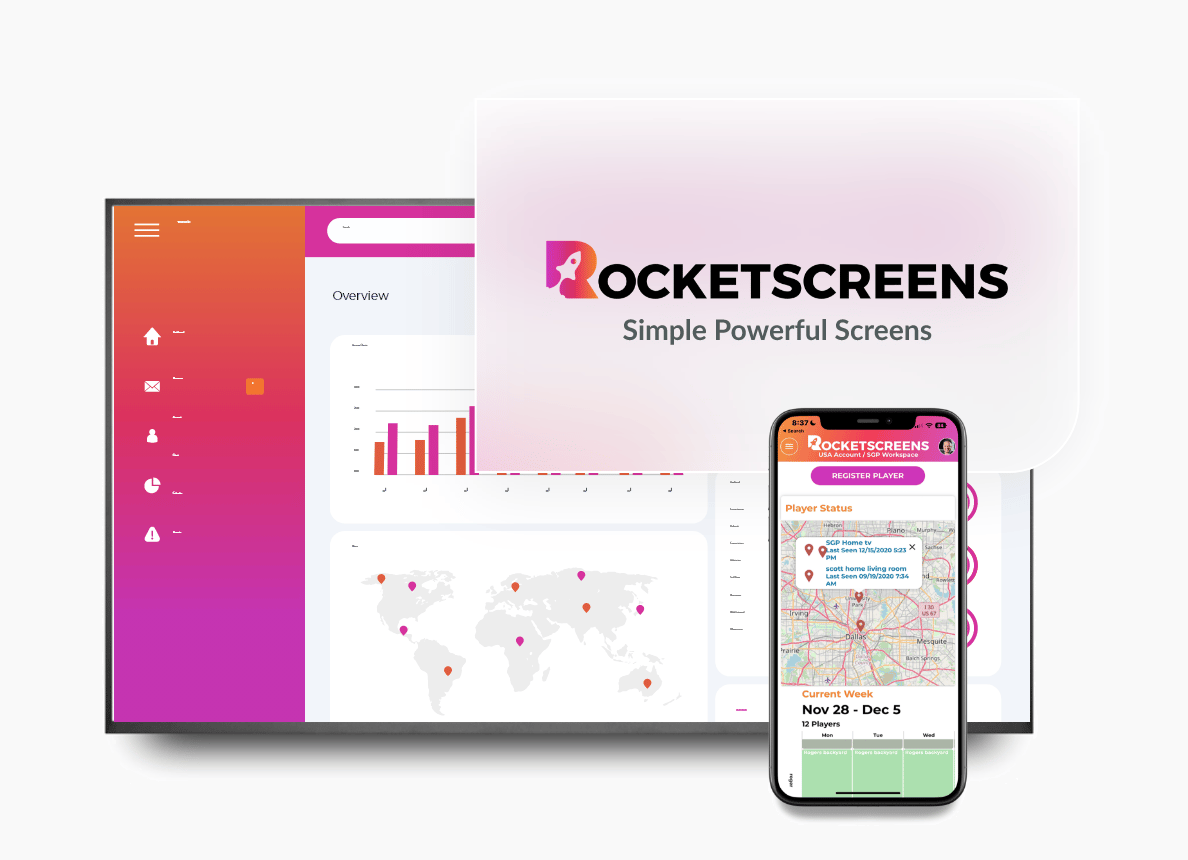
Rocketscreens is built for organizations that run screens across many sites and need content driven by live business data. It runs on a secure cloud-based architecture and manages every screen from a single dashboard.
Its 100+ integrations connect screens to the tools teams already use, including BI dashboards, productivity suites, and internal communication systems. Real-time dashboards show which screens are online, what they are playing, and where attention is needed.
Best for: Corporate, manufacturing, retail, and healthcare teams that need multi-location scalability and enterprise-grade reliability.
2. ScreenCloud
ScreenCloud is a cloud signage platform known for broad device compatibility and an app-based approach to content. It is popular with internal communications teams in mid-size and large companies.
Best for: Workplace communications teams that want a straightforward app catalog.
3. Yodeck
Yodeck is known for Raspberry Pi-based players and a free single-screen plan. It suits small businesses and teams starting with a handful of displays.
Best for: Small deployments on a tight budget where hardware simplicity matters most.
4. OptiSigns
OptiSigns offers low entry pricing and supports a wide range of hardware. It is a common choice for small and mid-size businesses with straightforward signage needs.
Best for: Cost-conscious teams that need quick setup across common devices.
5. TelemetryTV
TelemetryTV focuses on dashboards and workplace displays, with device management features aimed at IT teams.
Best for: Organizations that mainly display operational dashboards and want device-level control.
6. Xibo
Xibo is an open source signage CMS that can be self-hosted or used as a hosted service. It gives technical teams full control but requires more internal effort to maintain.
Best for: Organizations with in-house technical resources that need self-hosting.
How to Compare Rise Vision Alternatives: Evaluation Criteria
Use a consistent scorecard so each vendor is judged against the same requirements. These criteria matter most for enterprise buyers:
- Security: SSO, role-based access control, encryption in transit and at rest, and audit logs.
- Integrations: Native connectors to the data sources your screens need, not only RSS and social feeds.
- Scalability: How the platform handles hundreds or thousands of screens across regions and time zones.
- Governance: Approval workflows, content expiry, and permission scoping by site or team.
- Monitoring: Real-time screen status, proof of play, and alerting when a device drops offline.
- Hardware flexibility: Support for the players and smart displays you already own.
- Support and onboarding: Response times, migration help, and documentation quality.
- Pricing transparency: Per-screen costs, add-ons, and how pricing changes at scale.
How to Migrate from Rise Vision: Implementation Steps
A planned migration avoids blank screens and frustrated stakeholders. Follow this sequence.
Step 1: Audit Your Current Network
List every screen, its location, hardware model, operating system, and content owner. Note which playlists and schedules are active and which are unused.
Step 2: Define Requirements with Stakeholders
Bring IT, operations, communications, and facilities into one session. Agree on must-have integrations, security controls, and permission structures before speaking to vendors.
Step 3: Shortlist and Run a Pilot
Pick two or three platforms and run a pilot on five to ten screens at one or two sites. Test real content, real data connections, and real user permissions.
Step 4: Rebuild Content and Templates
Content rarely transfers one to one. Use the migration to retire outdated layouts and standardize templates around brand and accessibility guidelines.
Step 5: Roll Out in Phases
Move site by site or region by region. Keep the existing setup running at sites not yet migrated so no location goes dark.
Step 6: Train Content Owners
Run short, role-specific training. Regional editors need different guidance from IT administrators.
Step 7: Monitor and Optimize
Track screen uptime, content freshness, and support tickets for the first 90 days. Use the data to refine schedules and permissions.
Industry Use Cases
Corporate Offices
Lobby and floor screens show company news, live KPIs, meeting room schedules, and visitor welcome messages. Integrations with BI and calendar tools keep content current without manual updates.
Manufacturing and Warehousing
Production screens display output targets, quality metrics, and safety notices pulled directly from operational systems. Shift teams see accurate numbers without waiting for a supervisor's update.
Retail and Quick Service Restaurants
Central marketing teams push promotions and menu changes to every store at once. Local managers can adjust approved zones without touching brand-controlled content.
Healthcare
Waiting room displays share wait times, wayfinding, and health information. Staff areas carry shift updates and internal announcements, with strict access controls.
Education and Campuses
Universities with many buildings need delegated permissions per department and central override for emergency messaging.
Common Challenges During a Platform Switch
- Hardware compatibility gaps: Some older players may not support the new platform and need replacement.
- Content rework: Custom layouts built in the old system need to be recreated.
- Stakeholder resistance: Teams used to the old interface may push back without proper training.
- Contract overlap: Annual renewals can create a period of paying for two platforms.
- Network and firewall rules: New players may need IT to allow additional domains or ports.
Most of these can be managed with an early hardware audit, a renewal-aware timeline, and IT involvement from the first week.
Best Practices for Selecting a Digital Signage Platform
- Start with the data your screens must display, then confirm each vendor can connect to it natively.
- Involve your security team early and share their questionnaire with vendors during evaluation.
- Request a pilot on your own hardware rather than relying on a vendor demo environment.
- Map the permission structure you need before configuring the platform.
- Set uptime and content freshness targets so success can be measured after rollout.
- Calculate total cost over three years, including hardware, support, and internal admin time.
Mistakes to Avoid When Replacing Rise Vision
- Choosing on per-screen price alone and discovering missing integrations later.
- Migrating every screen at once without a pilot.
- Skipping a content audit and carrying outdated material into the new system.
- Giving every user admin rights to save setup time.
- Ignoring offline playback behavior for sites with unstable connectivity.
- Leaving the renewal date unchecked and paying for an extra year of the old platform.
Frequently Asked Questions
What are the best Rise Vision alternatives for enterprises?
Enterprises usually prioritize security, integrations, and multi-location management. Platforms such as Rocketscreens, ScreenCloud, and TelemetryTV are commonly evaluated for larger networks. The right choice depends on your data sources, hardware, and governance needs.
Can I reuse my existing hardware when switching from Rise Vision?
In many cases, yes. Most cloud signage platforms support common players, Android devices, and major smart TV operating systems. Confirm compatibility for each model during the hardware audit.
How long does a digital signage migration take?
A small network can move in a few weeks. Multi-site deployments typically take one to three months when run in phases with a pilot first.
Is Rise Vision only suitable for schools?
No. Rise Vision serves businesses as well, but its strongest focus and feature bundle are aimed at education. Organizations outside education often compare alternatives that offer more business system integrations.
What should I ask vendors during a demo?
Ask how the platform connects to your specific data sources, how permissions work across sites, what monitoring is included, and what migration support is provided.
See How Rocketscreens Fits Your Screen Network
If your screens now carry operational data, span multiple locations, or need tighter security controls, it is the right time to evaluate your platform.
Rocketscreens gives IT and operations teams centralized screen management, 100+ integrations, real-time dashboards, and a secure cloud architecture built to scale across sites.
Book a demo with the Rocketscreens team to review your current setup, map your integration needs, and plan a migration path with no downtime.