If your team is evaluating a Play Digital Signage alternative, you are probably not unhappy with the basics. Play Digital Signage is a well-reviewed tool with a generous free tier, and it works well for small screen networks. The question usually comes up later, when screen counts grow, more departments want access, and screens need to show live data from business systems instead of slides someone uploaded by hand.
This guide explains what to look for in an alternative, compares the platforms organizations shortlist most often, and shows how to plan a migration without disrupting the screens your teams already rely on.
What Is a Play Digital Signage Alternative?
A Play Digital Signage alternative is any digital signage platform an organization considers when its current setup no longer fits operational needs. Looking for one does not mean the original tool is poor. It means the requirements have changed.
Most teams start looking for one of three reasons:
- Their screen network has grown, and per-screen costs or management effort are rising faster than expected.
- They need screens to display live data from tools like Power BI, Salesforce, Jira or Google Sheets without manual updates.
- IT or security teams need stronger access controls, audit trails and centralized governance across locations.
The right alternative solves the specific gap you are facing. A platform that looks better on paper but does not close that gap will not justify the switch.
Why the Choice of Signage Platform Matters for Organizations
Office and venue screens now do far more than show welcome messages and menu boards. In many organizations they carry sales targets, support queue status, production metrics, safety notices and internal communications.
When screens carry operational information, the platform behind them becomes part of your business infrastructure. That changes how you should evaluate it.
- Accuracy: A dashboard on a factory floor or sales floor that shows stale data is worse than no dashboard at all.
- Uptime: Screens that go blank or freeze erode trust in the information they display.
- Governance: Someone needs to control who publishes what, to which screens, and when.
- Cost predictability: Finance teams need to forecast signage costs as the network expands.
A platform built for these demands cuts the hidden work of keeping screens current and correct.
Business and Operational Impact of Switching Platforms
Switching signage software has measurable effects on time, cost and communication quality. Before you evaluate any Play Digital Signage alternative, work out where your current setup is costing you.
Time Spent on Manual Content Updates
If staff export reports, screenshot dashboards or rebuild slides every week, that is recurring labor. A platform with native data integrations removes most of that work, because screens pull information directly from the source system.
Visibility Across Locations
Organizations with multiple offices, stores or plants often struggle to confirm what is actually playing on each screen. Centralized management with device health monitoring gives operations teams a single view of the entire network.
Consistency of Messaging
Without role-based permissions and approval controls, local teams may publish outdated or off-brand content. A platform built for multi-location scale lets head office set templates and rules while branches handle local updates.
Security Exposure
Screens connected to business systems can surface sensitive data. IT teams need to know how credentials are stored, how data is transmitted and who can access which integrations.
Key Criteria for Evaluating a Play Digital Signage Alternative
Use these criteria to compare platforms on what matters in day-to-day operations, not just on feature checklists.
1. Depth of Native Integrations
Ask how many business applications the platform connects to natively and how those connections work. A native integration that refreshes automatically is very different from an embedded web page that times out or stops at a login screen.
2. Centralized Screen Management
Look for a single dashboard where you can group screens by location, department or purpose, push content to those groups and schedule playlists. This becomes essential once you pass a few dozen screens.
3. Real-Time Dashboards and Data Refresh
Confirm how often data refreshes and whether dashboards render cleanly on large displays. A real-time dashboard is only useful if people can read it from across the room.
4. Security Architecture
Request documentation on encryption, authentication, user roles and audit logs. A secure cloud-based architecture should let IT manage access without storing credentials on individual devices.
5. Hardware Flexibility
Check which media players and smart TVs the platform supports. Avoid platforms that lock you into proprietary hardware unless the trade-off is clearly worth it.
6. Pricing Structure at Scale
Model your costs at today's screen count and at two or three times that number. Include add-ons, premium integrations and support tiers so the comparison reflects what you will actually spend.
7. Support and Onboarding
Enterprise deployments need responsive support, clear documentation and help during rollout. Ask vendors about response times and whether onboarding assistance is included.
Top Play Digital Signage Alternatives to Consider
The right Play Digital Signage alternative depends on your screen count, the systems you want to connect, and how much control IT needs. Below are the platforms organizations most often shortlist, with a note on where each one fits best.
1. RocketScreens
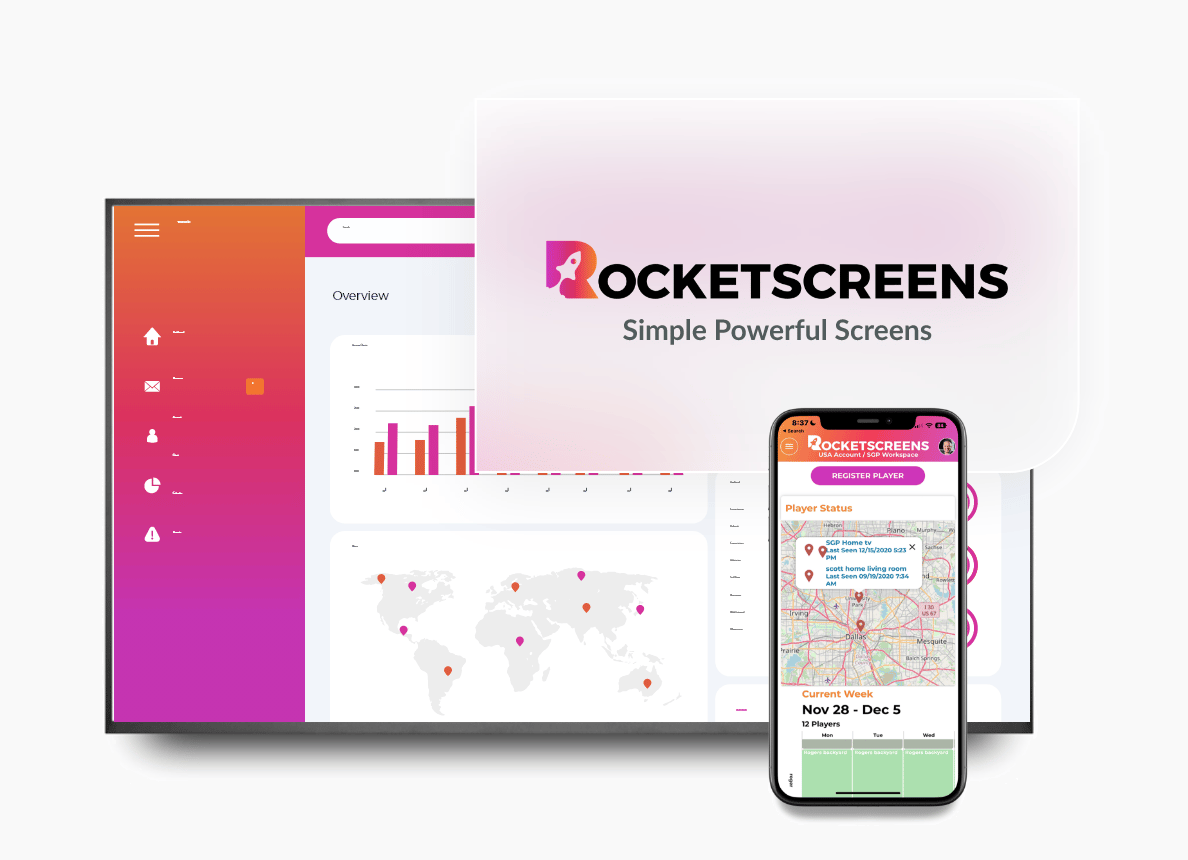
RocketScreens is built for teams that want screens to show live business data. With 100+ integrations, real-time dashboards and centralized screen management, it suits organizations that want to stop updating slides by hand and need multi-location control on a secure cloud-based architecture.
Best for: Corporate offices, sales floors, support centers and multi-location businesses that rely on live KPIs.
2. Yodeck
Yodeck is a widely used cloud signage platform known for its ease of use and its own media player hardware. It is popular with small and midsize businesses that want a simple setup.
Best for: SMBs that want a quick, low-maintenance deployment.
3. OptiSigns
OptiSigns supports a broad range of devices and has entry-level pricing. Many teams consider it when they want flexibility with existing TVs and players.
Best for: Budget-conscious teams with mixed hardware.
4. ScreenCloud
ScreenCloud focuses on internal communications and has an app library for common workplace tools. Larger organizations often evaluate it for employee-facing screens.
Best for: Internal communications teams in mid-to-large companies.
5. Xibo
Xibo is an open-source digital signage platform, available self-hosted or in the cloud. It gives technical teams a lot of control but needs more setup and in-house expertise.
Best for: Organizations with IT resources that prefer open-source or self-hosted options.
6. Rise Vision
Rise Vision is used heavily in education and offers a large template library. Schools and campuses often shortlist it for announcements and event displays.
Best for: K-12 schools, colleges and universities.
7. Signagelive
Signagelive is an enterprise-focused platform that works across many player brands. It suits larger networks that need hardware independence.
Best for: Enterprise and retail networks running many different device types.
8. Appspace
Appspace combines digital signage with wider workplace experience tools such as employee communications and room booking.
Best for: Enterprises looking for a broader employee experience suite.
9. Screenly
Screenly runs on Raspberry Pi-based players and puts a strong focus on security. It fits teams that want dedicated hardware with a small footprint.
Best for: Security-conscious teams that prefer dedicated, low-cost players.
10. XOGO
XOGO offers simple signage management for smaller deployments, including a free tier for basic use.
Best for: Small organisations, churches and nonprofits with a few screens.
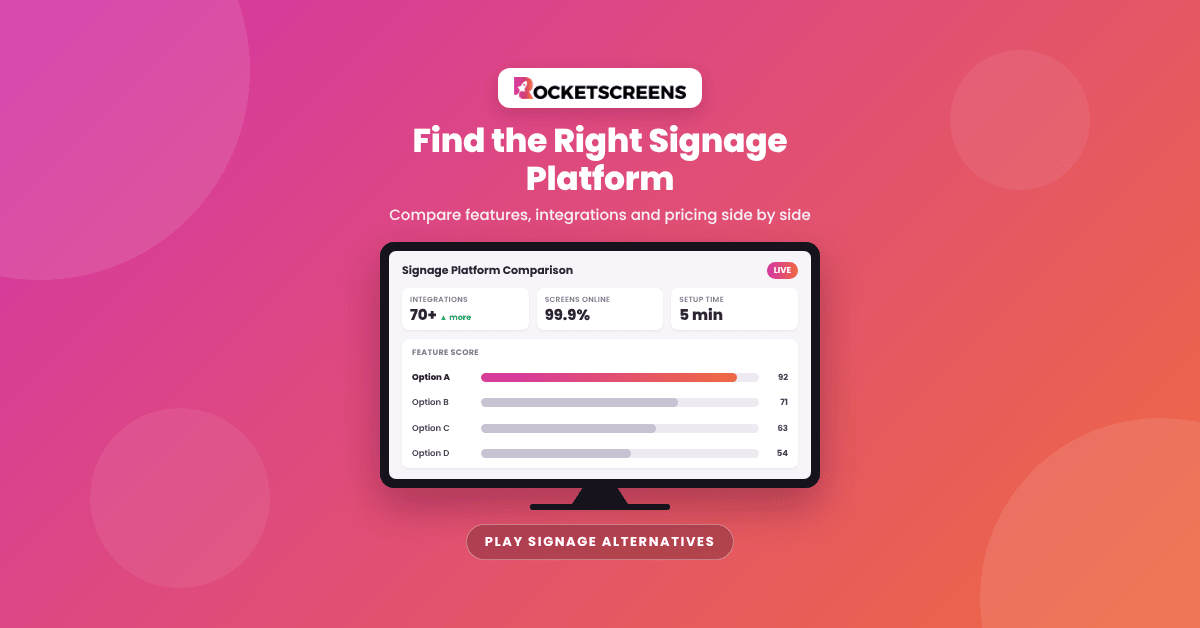
Each platform has its strengths. Before you commit, compare them against the criteria above, especially integration depth, security and pricing at your projected screen count.
Implementation Steps: How to Move to a New Signage Platform
A structured migration keeps screens running and avoids confusion among content owners. These steps work for most organisations.
Step 1: Audit Your Current Screen Network
List every screen, its location, hardware, owner and the content it displays. Note which content is static and which depends on external data.
Step 2: Define Requirements by Stakeholder
Gather input from IT, operations, marketing and HR. Each group has different priorities: security for IT, data visibility for operations and brand control for marketing.
Step 3: Shortlist and Run a Pilot
Pick two or three platforms from the list above and pilot them on a small group of screens. Test the integrations you depend on most, not just the demo content.
Step 4: Rebuild Priority Content
Start with high-value screens, such as executive dashboards, sales floors or support centers. Replace manual slides with live integrations wherever possible.
Step 5: Configure Users and Permissions
Set up roles before rollout. Decide who can publish, who can approve and who can only view.
Step 6: Roll Out in Phases
Migrate one location or department at a time. Keep the old platform running on the remaining screens until each phase is confirmed stable.
Step 7: Train Content Owners and Review
Run short training sessions for each team. After 30 days, review screen uptime, content freshness and user feedback.
Industry Use Cases
How much a stronger signage platform is worth depends on how your industry uses screens. These are common scenarios where teams outgrow entry-level tools.
Corporate Offices
Display company announcements, meeting room schedules from Office 365 or Google Calendar, and department KPIs from Power BI or Tableau. Centralized control keeps messaging consistent across floors and offices.
Sales Teams
Show live pipeline and leaderboard data from Salesforce or HubSpot. Managers no longer update charts by hand, and reps see progress as deals close.
IT and Customer Support
Surface ticket queues from Zendesk or Jira Service Management so teams can react to spikes quickly. Real-time visibility supports faster response and better workload balance.
Manufacturing and Warehousing
Display production targets, safety messages and shift updates. Floor screens need reliable uptime and content that updates without staff stepping in.
Retail and Multi-Location Businesses
Push promotions to every store from one dashboard, and let local managers add location-specific content within approved templates.
Education and Healthcare
Share schedules, wayfinding, emergency alerts and visitor information. Role-based access lets each department manage its own screens safely.
Common Challenges When Switching Signage Software
Every migration has friction. Knowing the usual challenges helps you plan for them.
- Content recreation: Playlists and layouts rarely transfer directly between platforms, so expect some rebuilding.
- Hardware compatibility: Older players may not support the new platform, which can add hardware costs.
- Stakeholder resistance: Teams comfortable with the old tool may need clear reasons and training before they adopt the new one.
- Integration permissions: Connecting business tools often needs admin approval and API access, which takes time to arrange.
- Overlapping subscriptions: Running two platforms during a phased migration can briefly increase costs.
Best Practices for Choosing and Deploying an Alternative
These practices help teams get value from a new platform quickly and avoid repeating past problems.
- Start with business outcomes: Define what each screen should achieve, such as faster ticket response or better sales visibility.
- Prioritize live data over static slides: Automated content stays accurate and saves staff time.
- Standardize templates: Consistent layouts improve readability and cut design work.
- Assign clear content ownership: Every screen group should have a named owner responsible for accuracy.
- Monitor device health: Use alerts to catch offline screens before employees or customers notice.
- Review quarterly: Retire content that no longer serves a purpose and add new integrations as needs change.
Mistakes to Avoid When Selecting a Play Digital Signage Alternative
Teams often make the same mistakes when they evaluate signage platforms. Avoiding them saves time and money.
- Choosing on price alone: The lowest per-screen price can cost more overall if staff spend hours on manual updates.
- Ignoring IT early: Bringing security teams in late can delay rollout or block integrations entirely.
- Testing only demo content: Pilots should use your real data sources and screen locations.
- Skipping a scalability check: Confirm the platform can handle your projected screen count and user base, not just today's numbers.
- Underestimating training: Even intuitive platforms need short onboarding sessions for content owners.
- Migrating everything at once: A single cutover raises the risk of blank screens and frustrated teams.
How RocketScreens Fits as a Play Digital Signage Alternative
RocketScreens is built for organizations that want screens to show live business information, not just scheduled media. It focuses on cutting manual work and giving IT and operations teams control at scale.
- 100+ integrations: Connect BI dashboards, CRMs, helpdesks, project tools and calendars directly to your screens.
- Centralized screen management: Manage every screen, playlist and location from one interface.
- Real-time dashboards: Display data that refreshes automatically and is formatted for large displays.
- Secure cloud-based architecture: Control credentials and access centrally instead of on individual devices.
- Multi-location scalability: Group screens by site, team or purpose, and expand without rebuilding your setup.
- Enterprise-grade reliability: Built for organizations that depend on screens for daily operational communication.
If your current tool handles basic playlists well but falls short on data integrations or governance, these capabilities cover the gaps most teams run into as they scale.
Frequently Asked Questions
What are the best Play Digital Signage alternatives?
Popular Play Digital Signage alternatives include RocketScreens, Yodeck, OptiSigns, ScreenCloud, Xibo, Rise Vision, Signagelive, Appspace, Screenly and XOGO. The best choice depends on whether you prioritize live data integrations, budget, hardware flexibility or enterprise governance.
Why do organizations look for a Play Digital Signage alternative?
Most teams start looking when their screen network grows, when they need native integrations with business tools, or when IT requires stronger security and centralized control. The original platform may still work well for smaller or simpler deployments.
Can I keep my existing screens and media players when switching?
In many cases, yes. Most cloud signage platforms support common smart TVs and media players. Check the hardware compatibility list for any alternatives and test them during your pilot before you commit.
How long does it take to migrate to a new digital signage platform?
A small network can move in a few days. Larger, multi-location networks usually migrate in phases over several weeks, depending on the number of integrations, approvals and content owners involved.
Is a cloud-based digital signage platform secure enough for business data?
A well-designed cloud platform can be highly secure. Before you display sensitive information, ask vendors about encryption, role-based permissions, audit logs and how integration credentials are stored.
See How RocketScreens Compares for Your Screen Network
Choosing a Play Digital Signage alternative is easier when you can see your own data on your own screens. RocketScreens helps IT, operations and marketing teams turn office and venue displays into reliable, live communication channels.
Book a demo to walk through your current setup with our team, explore the integrations that matter to your organisation, and get a clear migration plan. You can also start exploring the platform today and test it on a few screens before rolling it out across locations.